Nov 23, 2026
Author:Lisa Martinez
An automatic pet feeder can keep serving scheduled meals without Wi-Fi if it stores the schedule on the device and still has power. First-time pairing, remote feeding commands, and live camera viewing have their own connection requirements. Before relying on a feeder during an outage, check what your exact model supports and watch it serve a scheduled meal while it’s offline.
If the app says Offline five minutes before your dog’s dinner, start with two questions. Does the feeder still have power? Was dinner already saved on the device? The answers tell you more about whether food will reach the bowl than the app status alone.
| What happened | What to check |
|---|---|
| The feeder is new and has never been paired. | Check whether the model requires an app for setup or lets you program meals directly on the unit. |
| Your internet service is down, but the router and feeder still have power. | A schedule stored on the feeder can still run. Remote app features that rely on an internet connection may be unavailable. |
| The router is off or the feeder has lost its Wi-Fi connection. | A powered feeder with a locally saved schedule can still dispense. Check the bowl at the scheduled time. |
| The power is out and the feeder is running on backup batteries. | Check your model’s battery-only mode. Scheduled dispensing, app controls, and video can behave differently. |
| The feeder has lost power and has no working backup. | Serve the meal by hand or ask someone at home to do it. |
A home can lose internet service while its Wi-Fi router is still broadcasting. A power outage can turn off both the router and the feeder. Backup batteries may keep the feeder powered even when the router is down. Keeping those situations separate makes it easier to work out what happened at dinnertime.
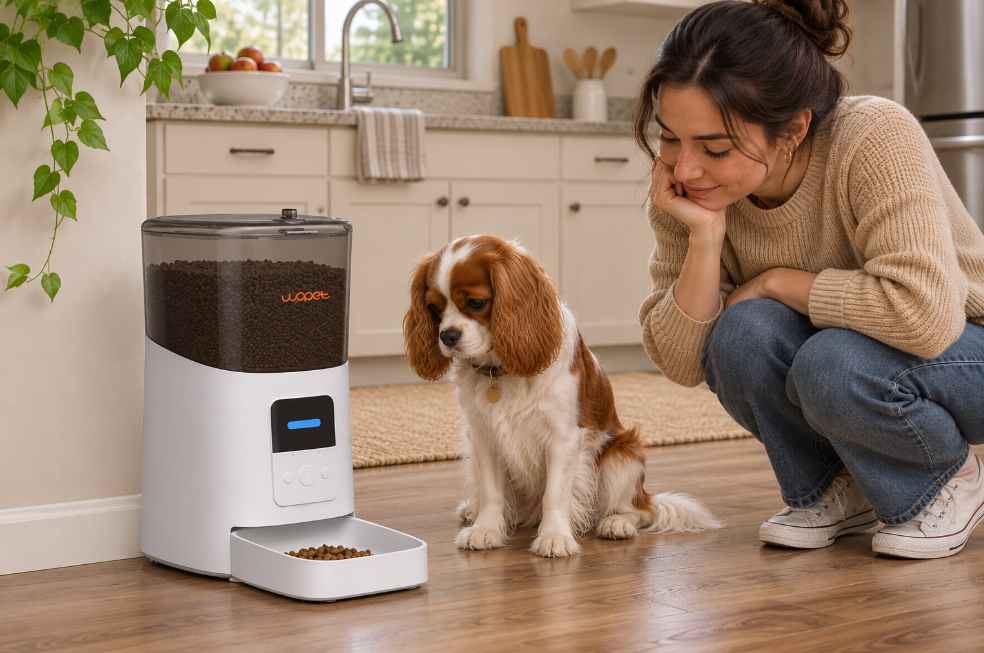
If you want your dog’s weekday dinner served on a regular schedule, the WOPET Patrol F07 Pro is a single-bowl dry-food feeder you can program from your phone. Plug it into wall power for the initial setup. If your router offers both 2.4 GHz and 5 GHz, follow the F07 Pro pairing steps to connect the feeder to 2.4 GHz.
For short-term backup, the F07 Pro manual specifies three alkaline D batteries and explains that Wi-Fi and app controls are unavailable on battery power alone. If the app shows Offline during a power cut, check the bowl at the next scheduled mealtime to see whether the saved meal ran.
If you usually open the app to see whether your dog came over for dinner, the WOPET Heritage View HV10P gives you a view of the feeding spot when it’s connected. During an outage, check the meal and the video separately. The Heritage View troubleshooting guide explains why app controls are unavailable on battery power and what to check if the feeder still shows offline once wall power returns.
Pick a time when you’ll be home and can serve the meal yourself if needed. Use your dog’s usual dry food and start with an empty bowl so you can see exactly what comes out.
Before you switch off Wi-Fi, run one scheduled meal with the feeder plugged in and connected. Start with an empty bowl so it’s easy to see what came out. If the serving is already short, check the chute and make sure your kibble fits the feeder before repeating the test offline.
If the feeding spot never has Wi-Fi, look for a feeder you can program directly on the unit. Check that the buttons let you set both the meal time and the portion size. Some app-controlled feeders have a physical button for serving food on demand, so it’s worth checking what that button actually does before buying. The setup section of the manual is a good place to look. WOPET automatic feeder manuals.
If you have Wi-Fi at home and mainly want to keep weekday meals on time, the Patrol F07 Pro is worth considering. Set it up where your dog already eats, then watch one meal while it’s disconnected and another on backup power. If you’re leaving town, show your sitter the usual serving and where you keep the food. That way, they know what to do if the app says Offline and the bowl is empty.
Popular Post

The Ultimate Guide to Tabby Cats: Patterns, Personalities, and More
Mar 27, 2025

Top 8 Reasons Why Does My Cat Sleep Between My Legs?
Mar 03, 2025

What to Do If My Dog's Poop Is Black But Not Tarry
Feb 04, 2023

Superfecundation Cats: When Kittens in One Litter Have Different Fathers
Jul 11, 2025

Can Cats Have Orange Eyes? Genetics, Breeds, and Care Guide
May 20, 2025

[Blue] W03L 3L Premium Ceramic Cat Water Fountain
Model: W03 LITE
$59.99
$69.99
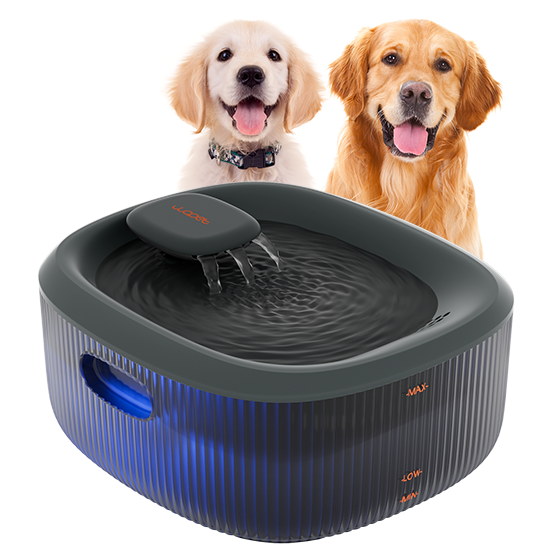
Basin Pet Water Fountain-W600
Model: W600
$43.99
$69.99

[Basic] Ceramic Pet Water Fountain with Power Cable
Model: W03L
$59.99
$99.00
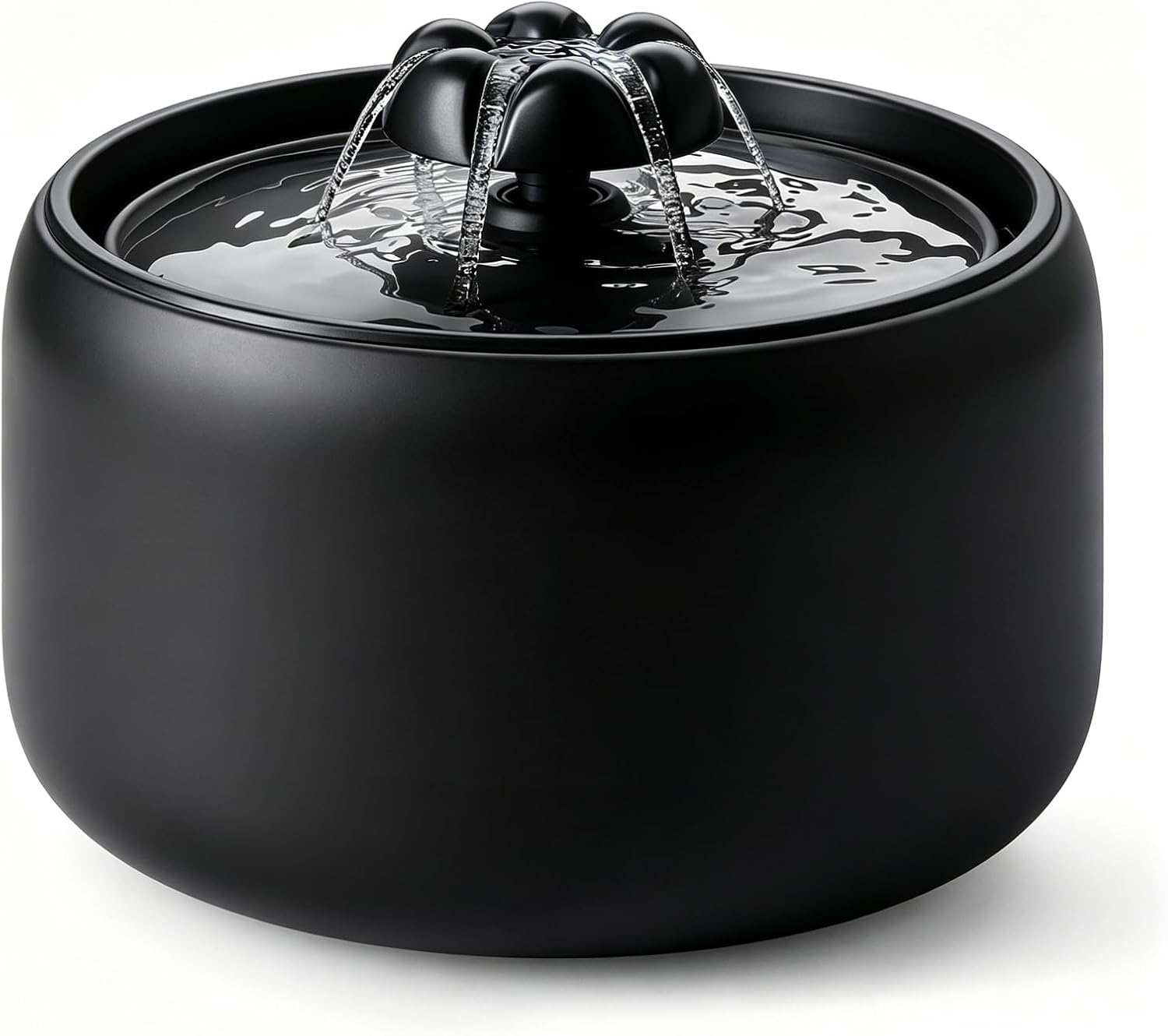
[Black] W03L 3L Premium Ceramic Cat Water Fountain
Model: W03L Black
$59.99
$69.99
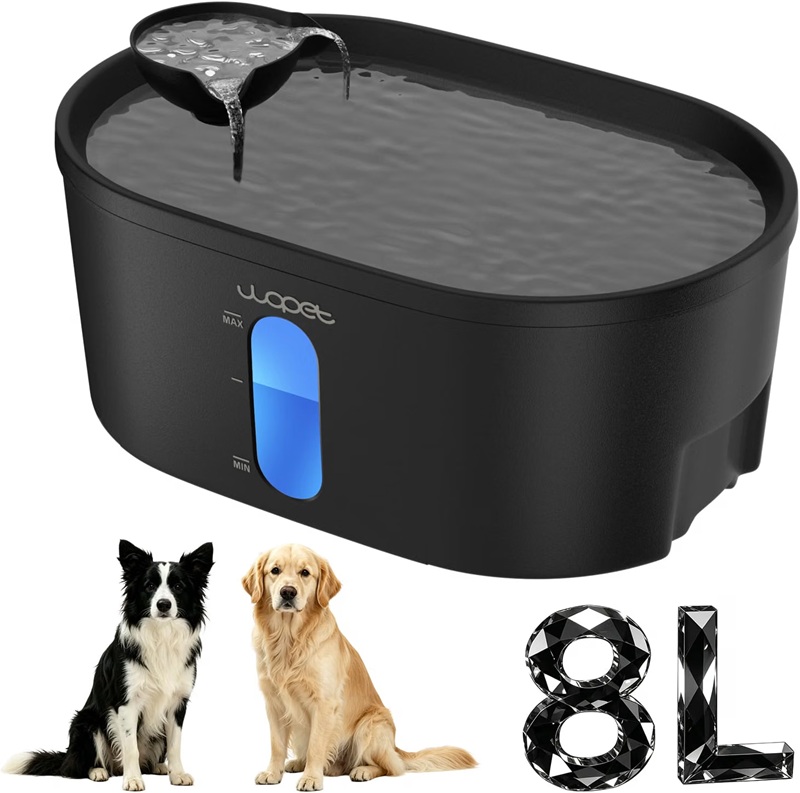
WOPET 8L Pet Water Fountain For Multiple Cats or Large Dogs A08
Model: A08
$49.99
$59.99
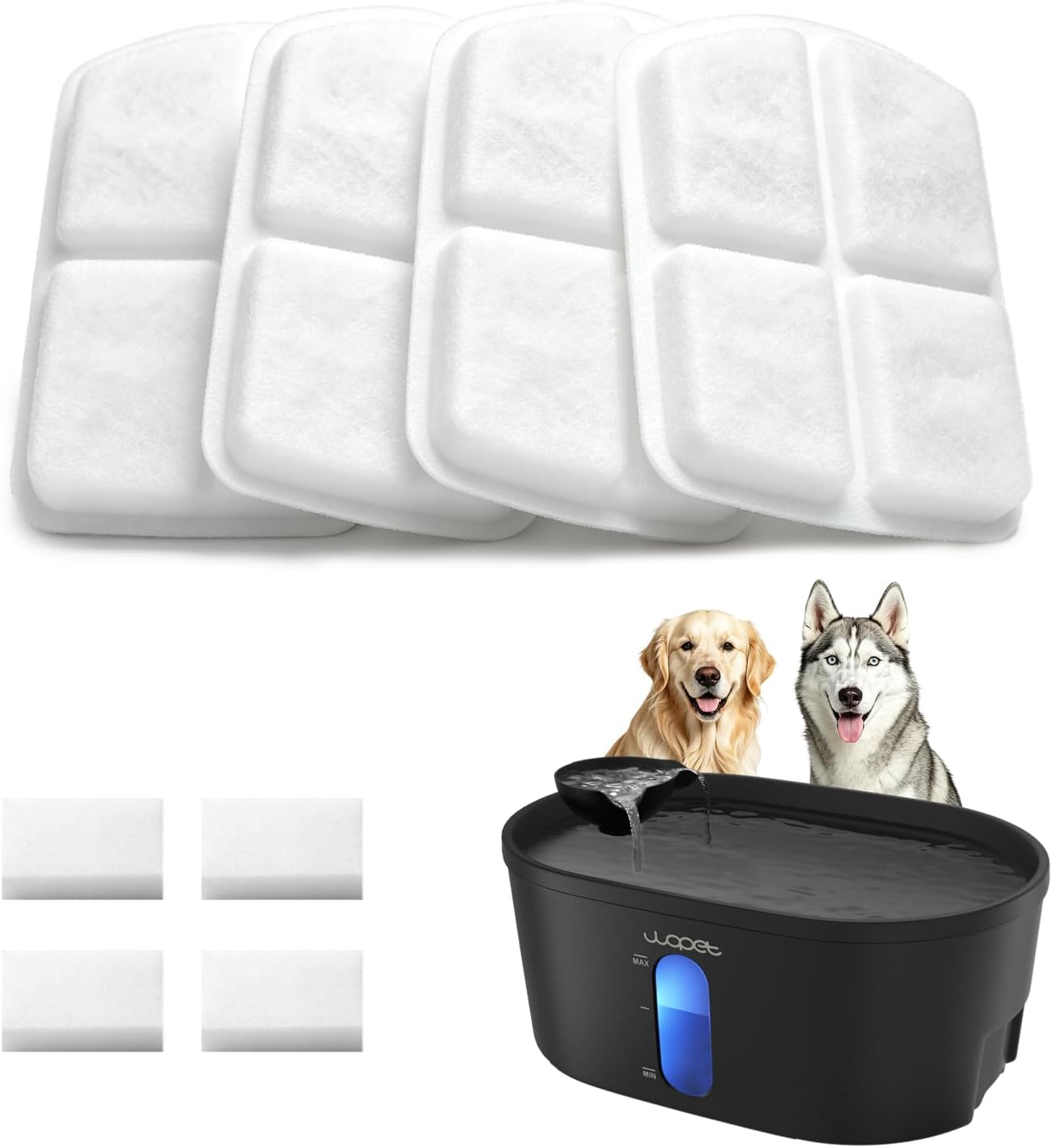
WOPET A08 Dog Water Fountain Filters
Model: A08 Filter
$19.99
$29.99

DOWNLOAD APP

WOpet life




Copyright © 2026 WOPET. All Rights Reserved.