Nov 23, 2026
Author:Amanda Lyu
If your automatic pet feeder missed a scheduled meal, check whether your pet already ate, then try one manual dispense while you watch. If food comes out normally, check the saved meal time and schedule first. If little or nothing comes out, check the power, hopper, and outlet before changing any settings.
An empty bowl at 7:05 doesn’t tell you what happened at 7:00. Your dog may have finished breakfast before you walked into the kitchen, or someone else may have fed them. Check with anyone who was home and look at the feeding history if your model has one. If you can confirm the meal was missed, serve your pet’s usual measured amount by hand. Keep any food dispensed during troubleshooting separate so you can account for it.
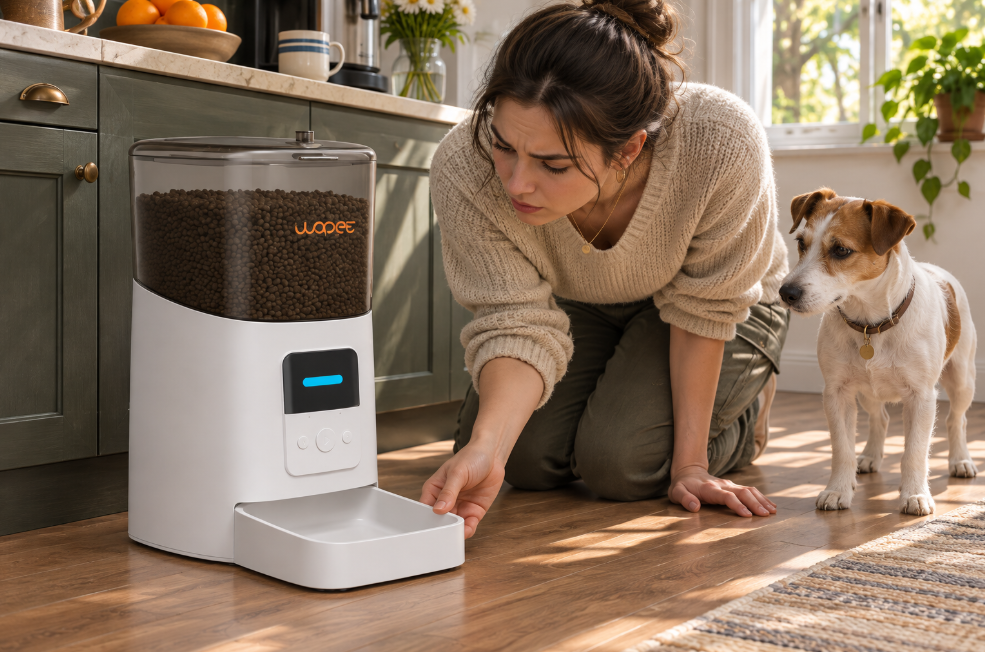
Use the feeder’s manual-feed control as described in its instructions. Start with an empty bowl, keep your pet to one side, and watch what lands in the dish. If your model has both an app command and a button on the unit, the on-device button can help you check whether the feeder itself dispenses when the app is offline.
| What you observe | Where to look next |
|---|---|
| A normal serving comes out manually. | Check the saved time, the days the meal repeats, and whether the meal is enabled. |
| The feeder runs, but little or no food comes out. | Check the hopper level, look for kibble caught near the outlet, and confirm the food fits your model. |
| The app says Offline, but the feeder has power. | Check whether the unit is on backup batteries and whether your model supports app control in that mode. |
| There’s no response from the unit. | Check the outlet, power adapter, cable, and any backup batteries specified in the manual. |
Open the specific meal that was missed. Check whether it’s enabled, whether it repeats on the right days, and whether the portion count is what you intended. A weekday-only breakfast can look correct on Friday and leave you wondering what happened on Saturday.
Then check the time format. 07:00 is 7 a.m. and 19:00 is 7 p.m. If the issue started after a clock change, a power interruption, or a move to a different time zone, check what time the feeder or app is using. Save your changes, reopen the meal to confirm them, and observe a small scheduled test a few minutes ahead. Remove the test entry afterward so it doesn’t become an extra meal tomorrow.
For a dog that eats dry food on a regular schedule, the WOPET Patrol F07 Pro lets you program meals through WOpet Life and run a manual serving to check the output. If you have an older Patrol feeder as well, follow the F07 Pro setup guide for the model you’re setting up. The F07 Pro uses 2.4 GHz Wi‑Fi and has its own pairing instructions.
Look inside the hopper first. Then check the outlet for broken pieces, crumbs, or a piece of kibble lodged across the opening. If the problem started right after you opened a different bag of food, measure a few of the largest pieces. WOPET’s guide to kibble size and feeder jams explains how size, shape, and crumbs can affect the flow.
Before removing the hopper, touching the rotor, or clearing a blockage, disconnect the power and remove any backup batteries. Follow your model’s instructions for taking out and refitting the removable parts. Let washed parts dry fully before adding kibble. If you store the rest of the bag in a separate bin, the FDA’s pet food storage guidance recommends keeping the original packaging so you have the lot number and best-by date.
Once everything is back in place, run one manual test. If food comes out, weigh it. Repeatedly light servings are a reason to investigate further before increasing the portion setting.
Start at the wall. Make sure the adapter is connected at both ends and the outlet works. Some feeders can run on backup batteries while their Wi‑Fi and app features are unavailable. The F07 Pro user manual describes that battery-only behavior. If you want to check a saved meal during a Wi‑Fi interruption, leave the feeder plugged in and observe the bowl at the scheduled time. Test battery backup separately so you know which condition you’re checking.
If you regularly miss your dog’s dinnertime and want to see what happens at the bowl, the single-bowl WOPET Heritage View HV10P adds a camera. A clear view can help you see whether your dog approached or whether food remained after the meal. If the feeder is offline or running on batteries alone, have someone at home check the bowl. The Heritage View troubleshooting guide explains what to check when the app loses its connection.
Write down the feeder model, the scheduled time, whether the unit was plugged in, and what happened during the manual test. A screenshot of the saved meal and a short video of the test can help WOPET Support see where the problem starts. Keep feeding by hand while you work through a recurring fault. After the fix, watch a full scheduled meal with your pet’s usual kibble before relying on the next one while you’re out.
Popular Post

The Ultimate Guide to Tabby Cats: Patterns, Personalities, and More
Mar 27, 2025

Top 8 Reasons Why Does My Cat Sleep Between My Legs?
Mar 03, 2025

What to Do If My Dog's Poop Is Black But Not Tarry
Feb 04, 2023

Superfecundation Cats: When Kittens in One Litter Have Different Fathers
Jul 11, 2025

Can Cats Have Orange Eyes? Genetics, Breeds, and Care Guide
May 20, 2025

[Blue] W03L 3L Premium Ceramic Cat Water Fountain
Model: W03 LITE
$59.99
$69.99
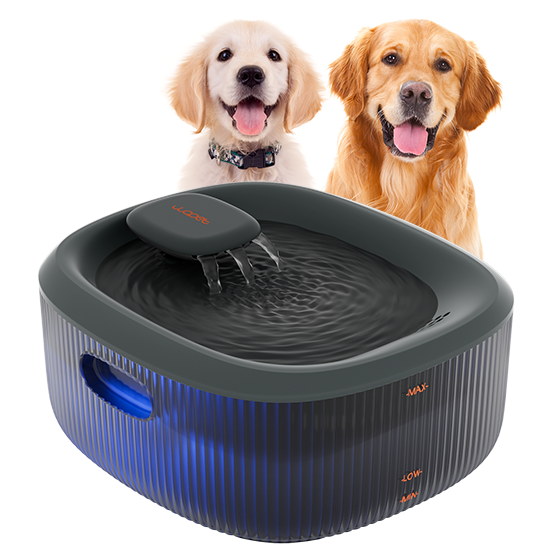
Basin Pet Water Fountain-W600
Model: W600
$43.99
$69.99
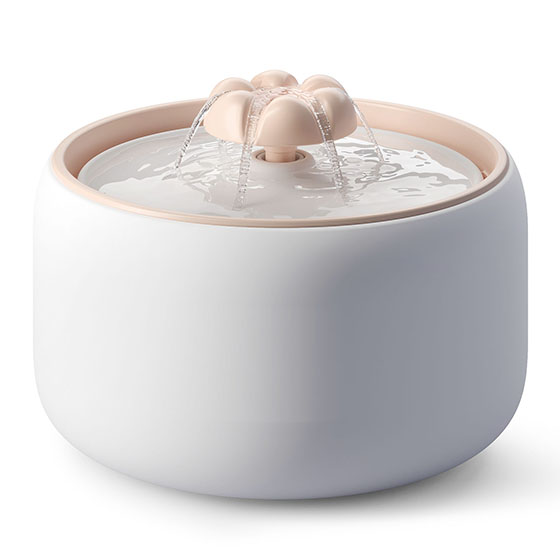
[Basic] Ceramic Pet Water Fountain with Power Cable
Model: W03L
$59.99
$99.00
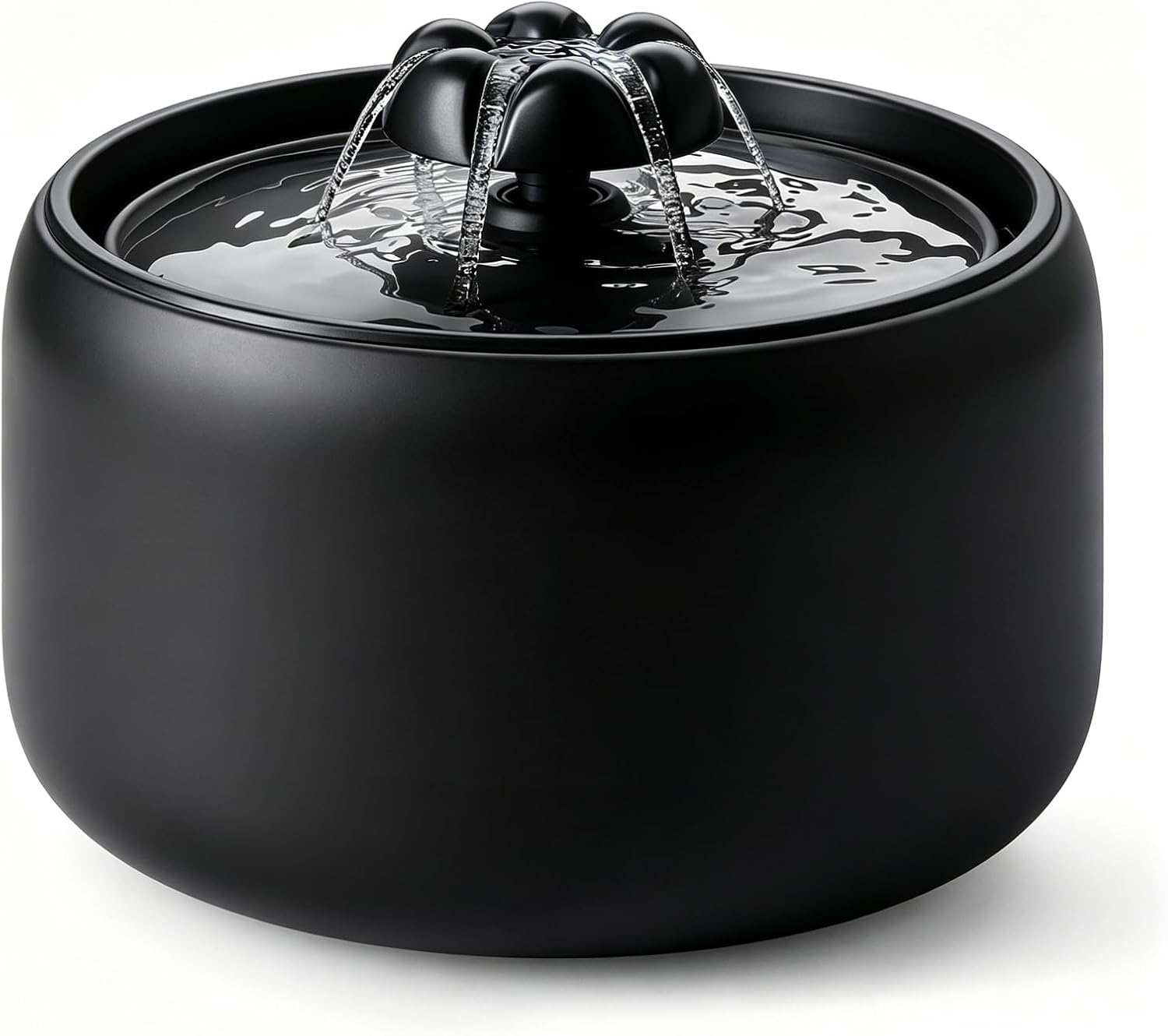
[Black] W03L 3L Premium Ceramic Cat Water Fountain
Model: W03L Black
$59.99
$69.99
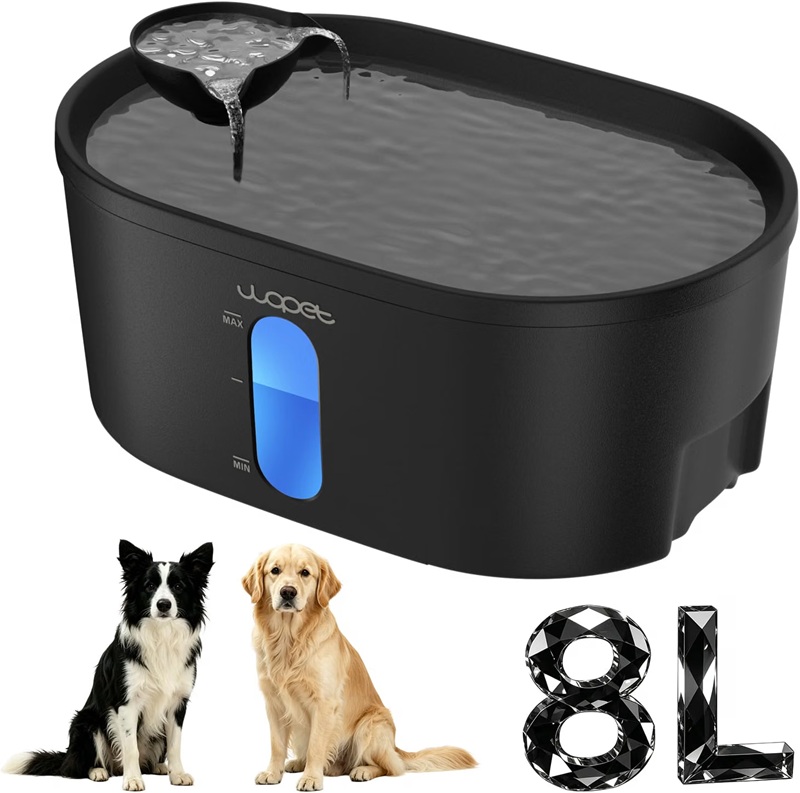
WOPET 8L Pet Water Fountain For Multiple Cats or Large Dogs A08
Model: A08
$49.99
$59.99
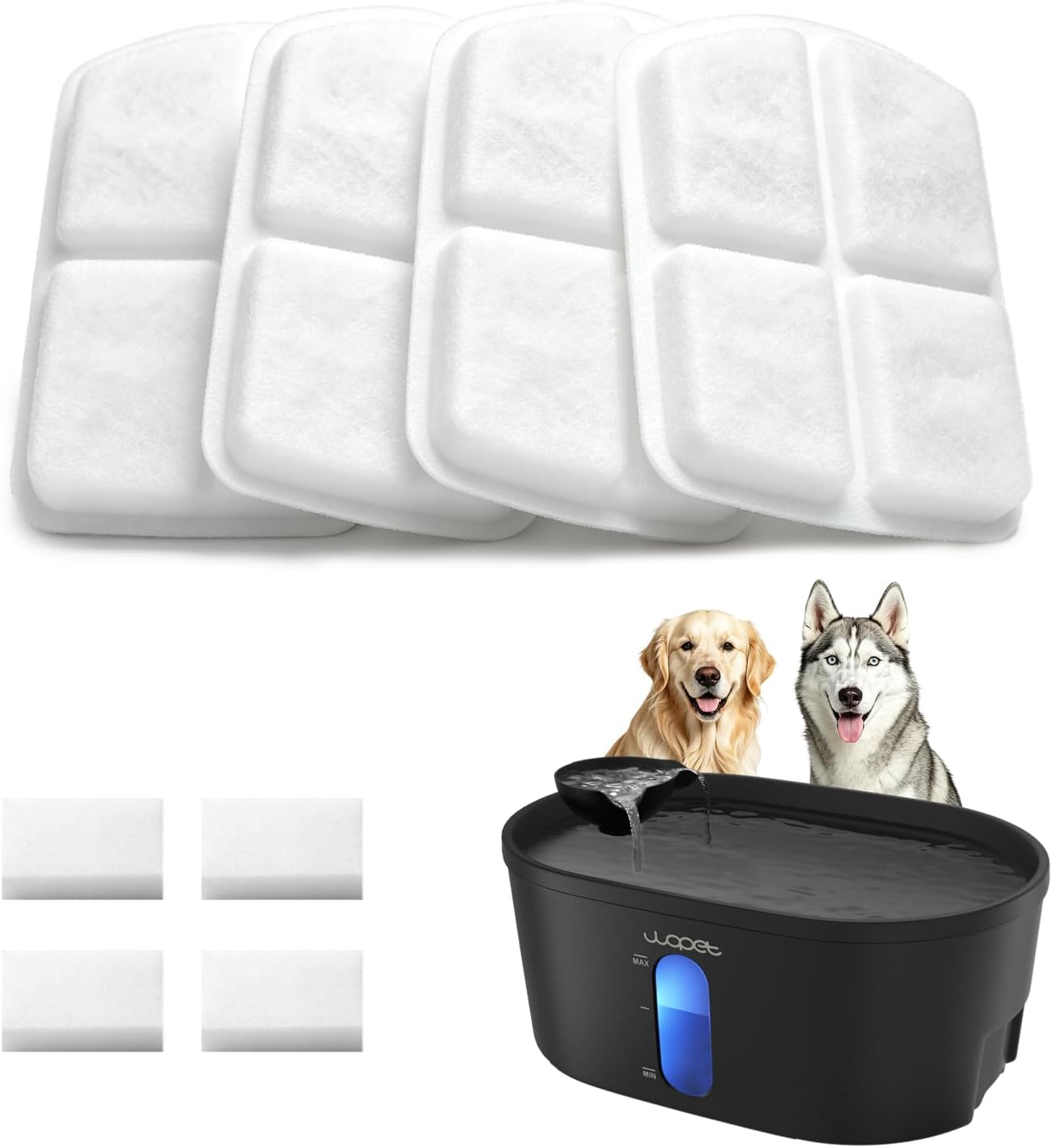
WOPET A08 Dog Water Fountain Filters
Model: A08 Filter
$19.99
$29.99

DOWNLOAD APP

WOpet life




Copyright © 2026 WOPET. All Rights Reserved.