Nov 27, 2026
Author:Sam Wonder
If your dog eats at 7 a.m. during the workweek and your Saturday routine starts a little later, you can set a separate weekend breakfast on an automatic feeder that lets you choose which days each meal repeats. Create one breakfast for Monday through Friday and another for Saturday and Sunday. Leave any meals that stay the same, such as dinner, on their existing schedule.
The setting to check first is your original breakfast. If it still repeats every day, adding a weekend breakfast gives the feeder two meals to run on Saturday and Sunday.
Open an existing meal in your feeder app and look for a repeat setting or a row of weekdays. If you can select individual days for each meal, you can save weekday and weekend entries separately.
If you use WOPET Life, open the feeder you want to adjust and review its feeding plan. On a camera model such as the WOPET Heritage View HV10P, you can also use the camera to check whether kibble reaches the bowl during the first scheduled weekend meal, as long as the bowl is visible in the frame. For model-specific controls, start with the WOPET automatic feeder manual directory.
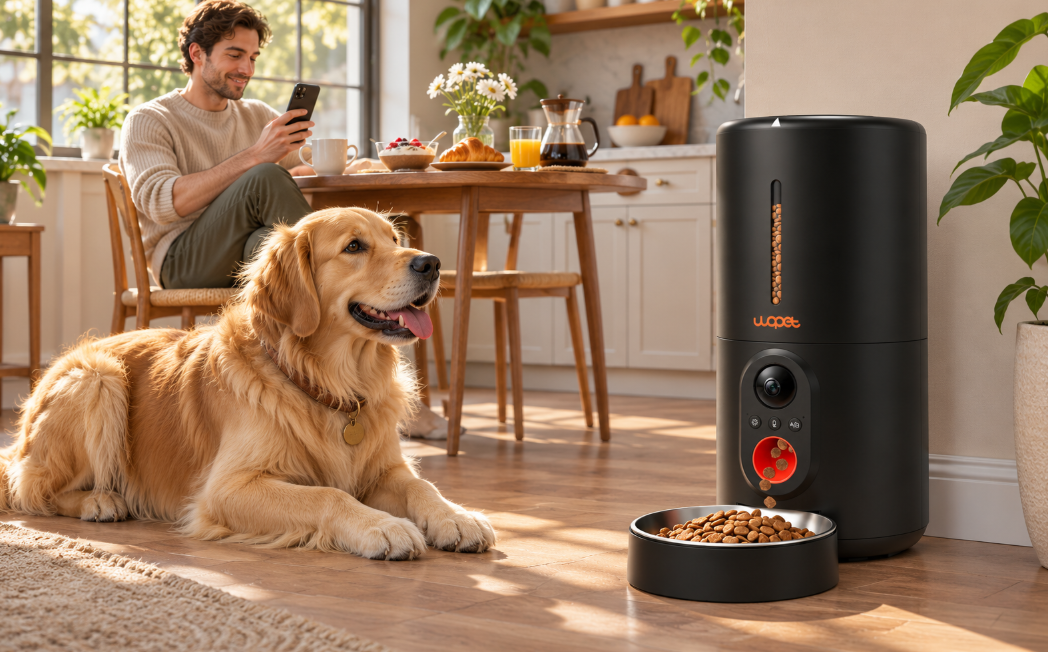
Here’s an example for a household that wants breakfast 30 minutes later on weekends and keeps dinner at the same time every day. Use the portion settings your dog already gets at those meals.
| Meal entry | Repeat days | Example time | Portion setting |
|---|---|---|---|
| Weekday breakfast | Monday–Friday | 7:00 a.m. | Usual breakfast amount |
| Weekend breakfast | Saturday–Sunday | 7:30 a.m. | Usual breakfast amount |
| Dinner | Every day | 6:00 p.m. | Usual dinner amount |
If you want to verify the amount at the same time, weigh what actually lands during a supervised test. Use the same food and portion setting you normally use. How to weigh an automatic feeder portion
Open every active morning entry and check its repeat days. A common setup mistake is leaving the original breakfast on Every day or saving a second weekend entry while updating the first one. If someone else also uses the feeder, ask whether they sent a manual portion when they saw the empty bowl.
If your app offers a feeding history, compare the two event times with the saved schedule. A 7:00 a.m. entry followed by a 7:30 a.m. entry gives you two specific times to look for in the plan. If the record says a meal went out and you’re unsure whether food reached the bowl, use this guide to checking a 'Fed' entry when the bowl is empty.
Keep your dog’s regular automated meal time if the feeder only offers a daily repeat. If you occasionally want to serve breakfast by hand at a different time, make sure you can disable the corresponding automatic meal for that day and know how to restore it afterward. Check the saved plan before and after the change, especially if another person also feeds your dog.
If the breakfast schedule needs to stay consistent for a veterinary care plan, keep the prescribed timing and ask your veterinarian before changing it.
Yes. If your feeder gives each meal its own repeat setting, split breakfast into two entries and keep dinner on its existing daily entry. Before you close the app, read the plan as if it were Saturday morning. You should see one breakfast, one dinner, and any other meals you intentionally scheduled.
Popular Post

Top 8 Reasons Why Does My Cat Sleep Between My Legs?
Mar 03, 2025

What to Do If My Dog's Poop Is Black But Not Tarry
Feb 04, 2023

Superfecundation Cats: When Kittens in One Litter Have Different Fathers
Jul 11, 2025

Can Cats Have Orange Eyes? Genetics, Breeds, and Care Guide
May 20, 2025
How Long Does Dry Cat Food Last Once Opened? A Comprehensive Guide
Mar 19, 2025
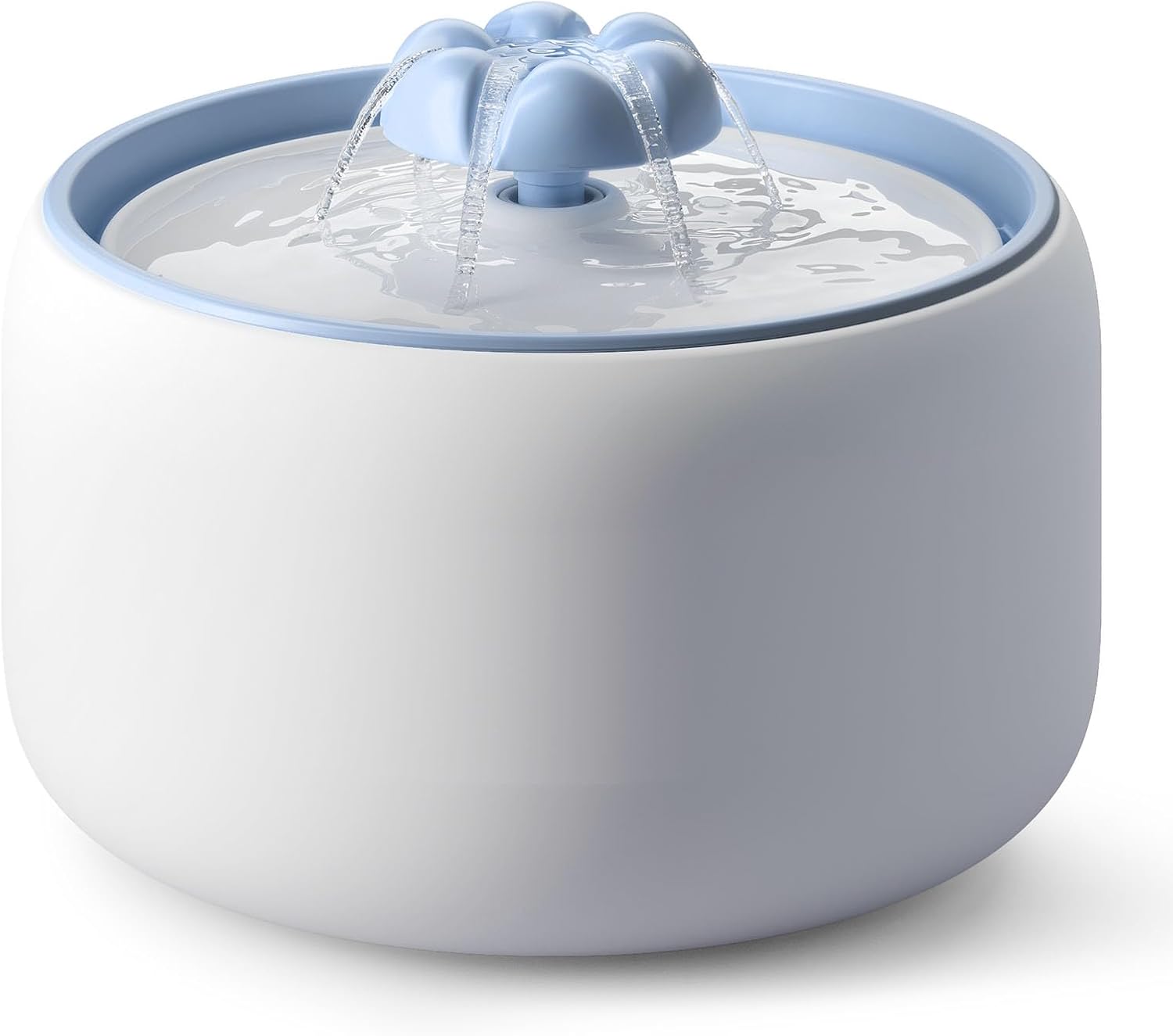
[Blue] W03L 3L Premium Ceramic Cat Water Fountain
Model: W03 LITE
$59.99
$69.99
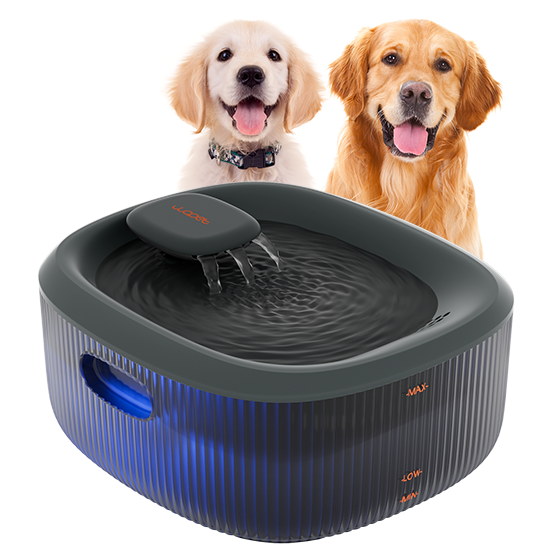
Basin Pet Water Fountain-W600
Model: W600
$43.99
$69.99
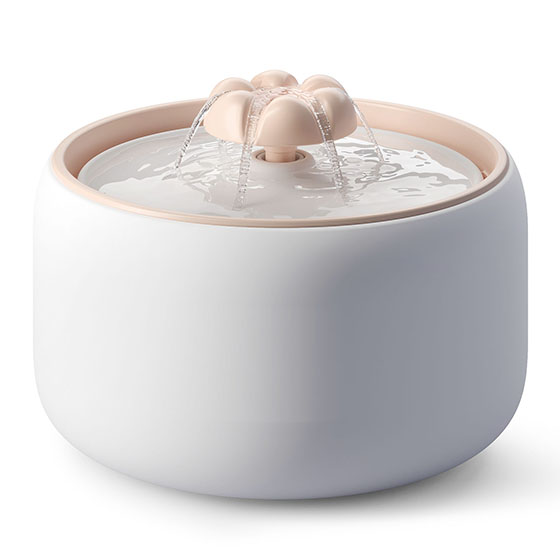
[Basic] Ceramic Pet Water Fountain with Power Cable
Model: W03L
$59.99
$99.00
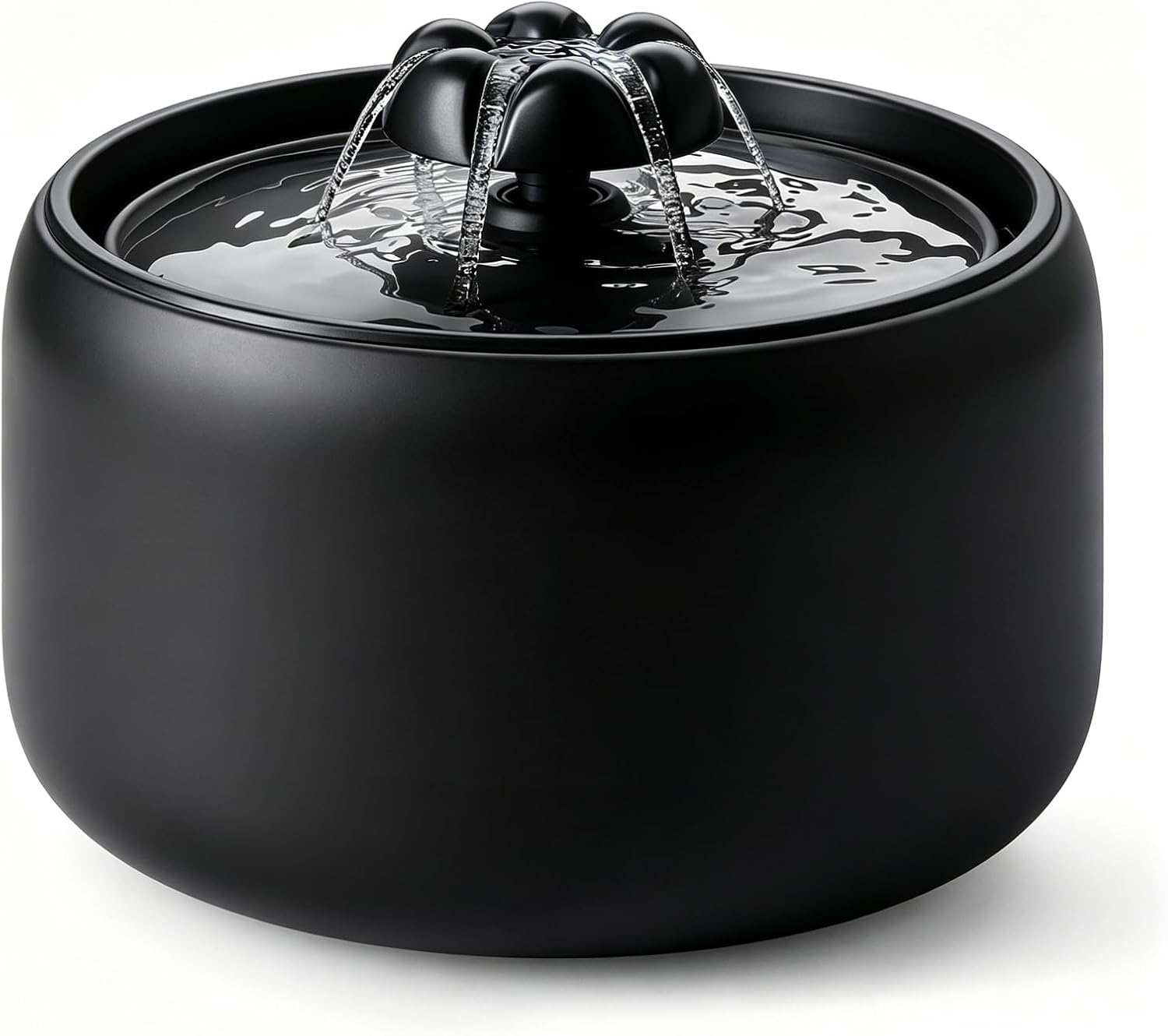
[Black] W03L 3L Premium Ceramic Cat Water Fountain
Model: W03L Black
$59.99
$69.99
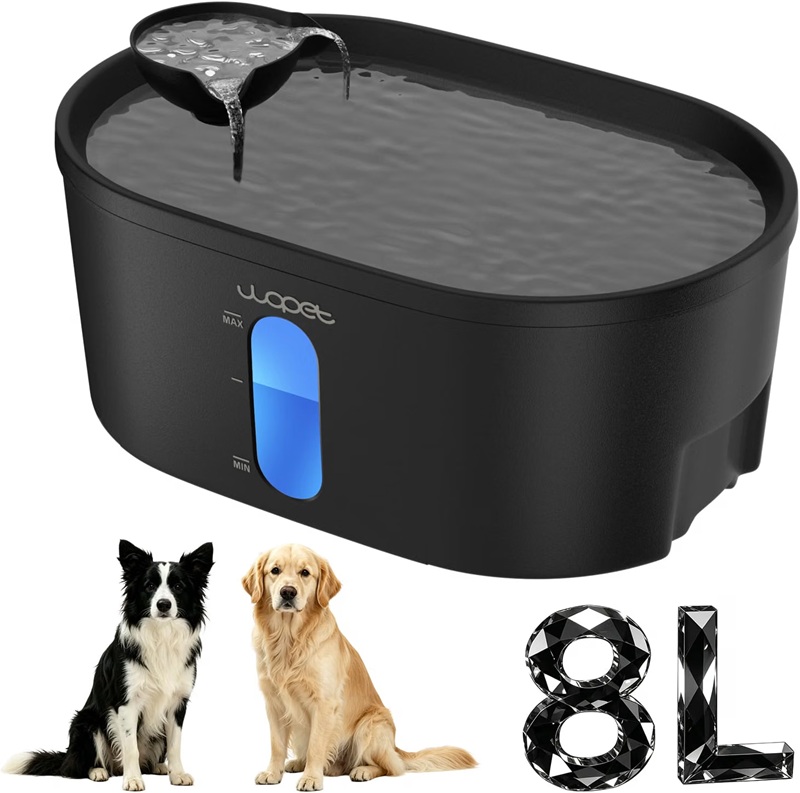
WOPET 8L Pet Water Fountain For Multiple Cats or Large Dogs A08
Model: A08
$49.99
$59.99
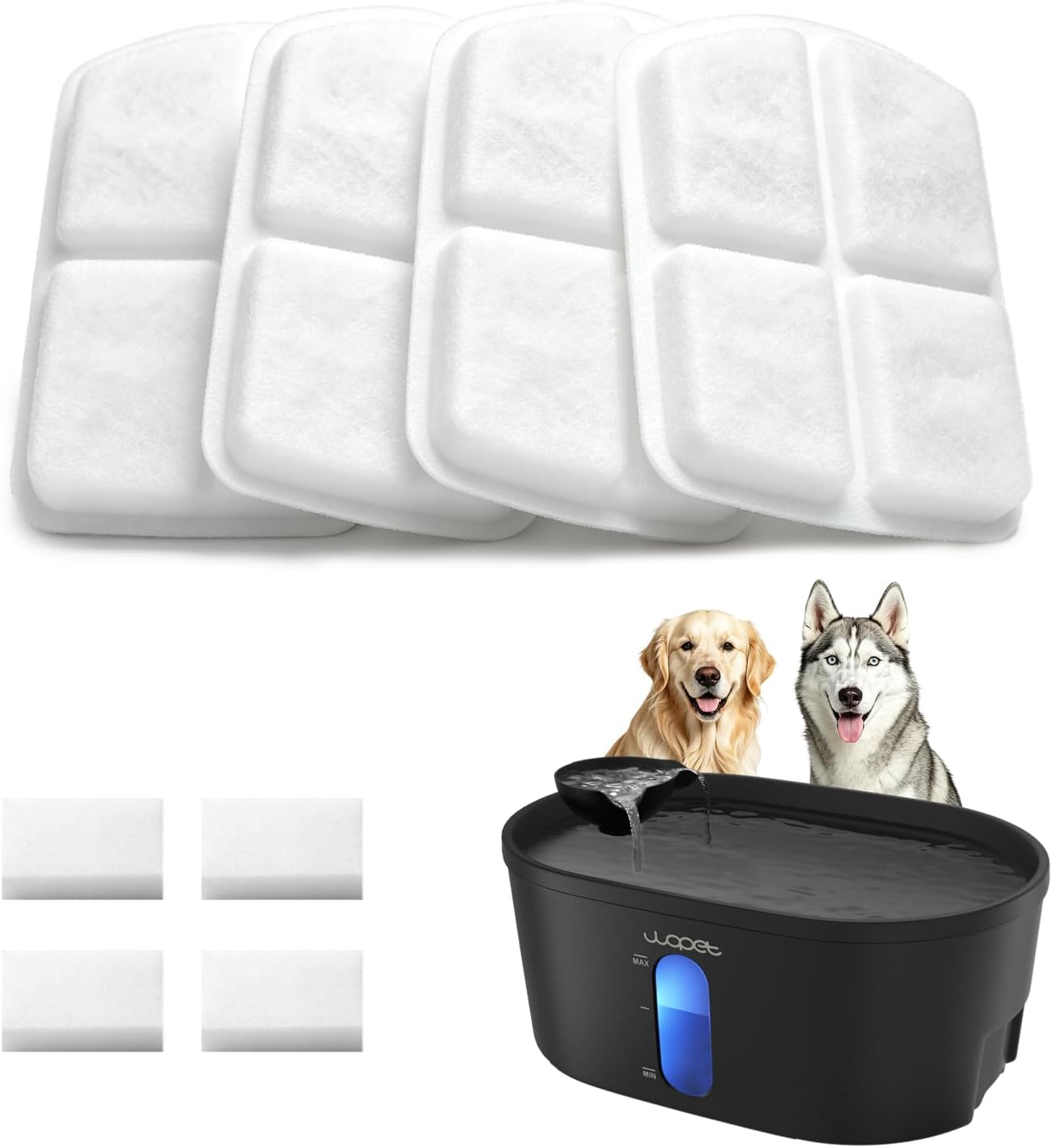
WOPET A08 Dog Water Fountain Filters
Model: A08 Filter
$19.99
$29.99

DOWNLOAD APP

WOpet life




Copyright © 2026 WOPET. All Rights Reserved.