Nov 27, 2026
Author:Amanda Lyu
Setting up your WOPET Pioneer F01 Plus for the first time? Start by attaching the food tray, powering on the feeder, and setting its clock. Then program one meal and watch it dispense before setting up the rest of your pet’s daily schedule.
The F01 Plus has a 7-liter hopper for dry kibble and supports one to five scheduled meals per day. You set meal times and portions on the feeder’s control panel. The English manual includes button diagrams, assembly illustrations, cleaning instructions, and troubleshooting.
Download the WOPET F01 Plus English User Manual (PDF)
| Feature | F01 Plus specification |
|---|---|
| Hopper capacity | 7 L |
| Scheduled meals | 1–5 per day |
| Portion setting | Up to 40 portions per meal |
| Approximate weight per portion | 10 g, depending on the kibble |
| Compatible food | Dry kibble measuring 2–15 mm |
| Power | 5 V / 1 A adapter or three alkaline D batteries, sold separately |
| Voice recording | Up to 10 seconds |
The feeder uses a 24-hour clock. For example, enter 07:00 for breakfast at 7 a.m. and 18:00 for dinner at 6 p.m.
When ML 1 flashes, you’re setting the first meal. Press Setting to confirm the meal, choose the portion count with + and −, then press Setting to move on to the feeding time. Set the hour and minutes using the same buttons. Repeat for any additional meals you want. To save and exit after the last meal you need, follow the Confirm the Meal instructions in the PDF.
Weigh a test serving before relying on the schedule. The manual gives approximately 10 g per portion, and the actual weight varies with the kibble. Put the empty bowl on a kitchen scale and zero it, then weigh a supervised dispense at the setting you plan to use. If you need to calculate portions from a meal amount in grams, use WOPET’s guide to weighing automatic feeder portions.
Once you’ve set the clock and portions, watch the first scheduled meal. Confirm that it runs at the expected time and that the food lands in the tray.
Hold the Recording button until you hear a beep, speak your message, then release the button. You can record up to 10 seconds. Press the Recording button to play it back. A short phrase your pet already hears around mealtime works well.
Unplug the feeder and remove the batteries before cleaning. Take out the hopper and tray as shown in the manual, clean the removable parts by hand with a soft cloth, and dry them before refilling. Keep the electronic base out of water. After reassembly, check that the tray is seated beneath the outlet and run a supervised test.
| What you notice | What to check |
|---|---|
| The buttons don’t respond. | Hold Back/Lock for two seconds to unlock the panel. |
| A meal runs at the wrong time. | Compare the feeder’s current clock and saved meal time. Check the 24-hour format. |
| The amount in the bowl looks different after switching kibble. | Weigh a serving at the same portion setting with the new food. |
| The low-battery light flashes. | Replace the batteries with three fresh alkaline D cells. |
| You need to restore factory settings. | Unlock the panel, then hold + and − together for five seconds. Write down your meal times and portions first so you can re-enter them after the reset. |
For the full control-panel diagrams, warranty information, and additional FAQs, keep a copy of the WOPET F01 Plus English User Manual (PDF). If you need help with setup, have the model number handy when contacting the WOPET Support Center.
Popular Post

Top 8 Reasons Why Does My Cat Sleep Between My Legs?
Mar 03, 2025

What to Do If My Dog's Poop Is Black But Not Tarry
Feb 04, 2023

Superfecundation Cats: When Kittens in One Litter Have Different Fathers
Jul 11, 2025
Can Cats Have Orange Eyes? Genetics, Breeds, and Care Guide
May 20, 2025
How Long Does Dry Cat Food Last Once Opened? A Comprehensive Guide
Mar 19, 2025
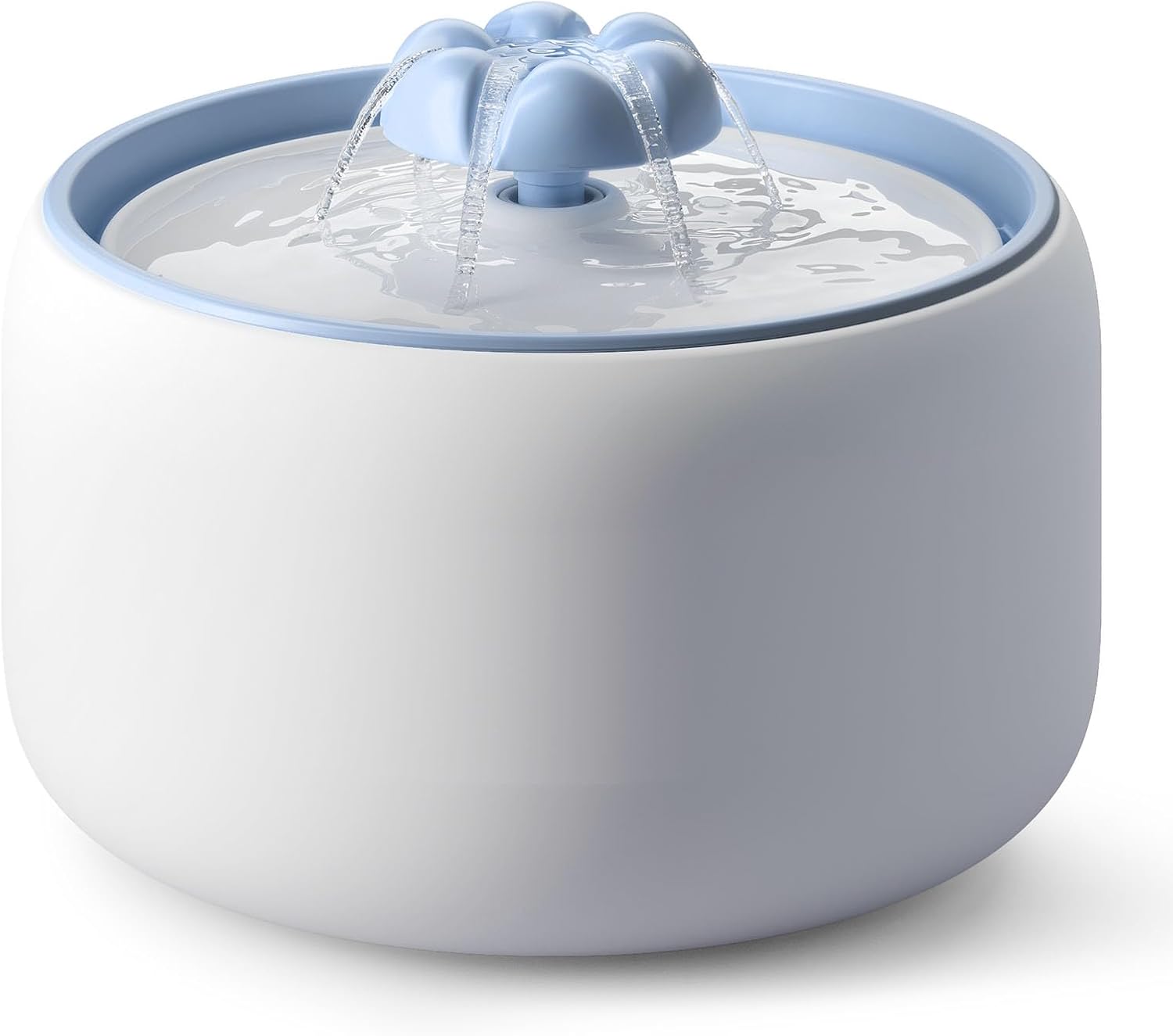
[Blue] W03L 3L Premium Ceramic Cat Water Fountain
Model: W03 LITE
$59.99
$69.99
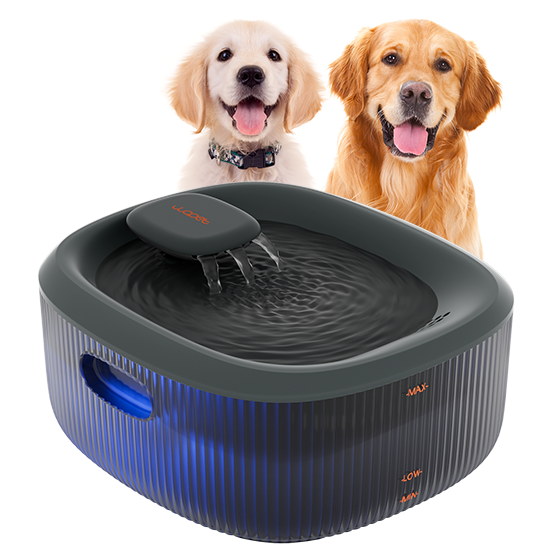
Basin Pet Water Fountain-W600
Model: W600
$43.99
$69.99
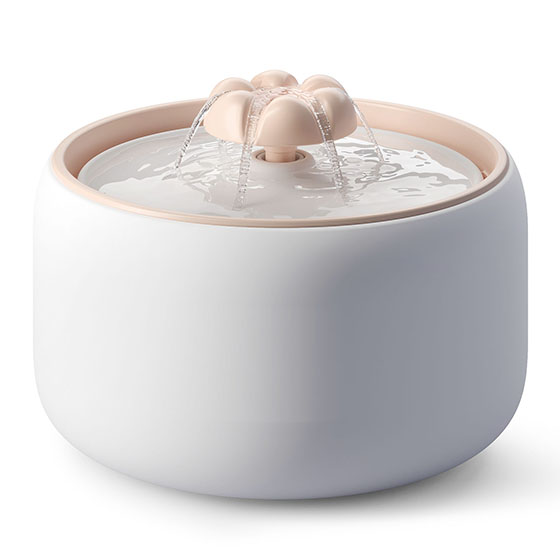
[Basic] Ceramic Pet Water Fountain with Power Cable
Model: W03L
$59.99
$99.00
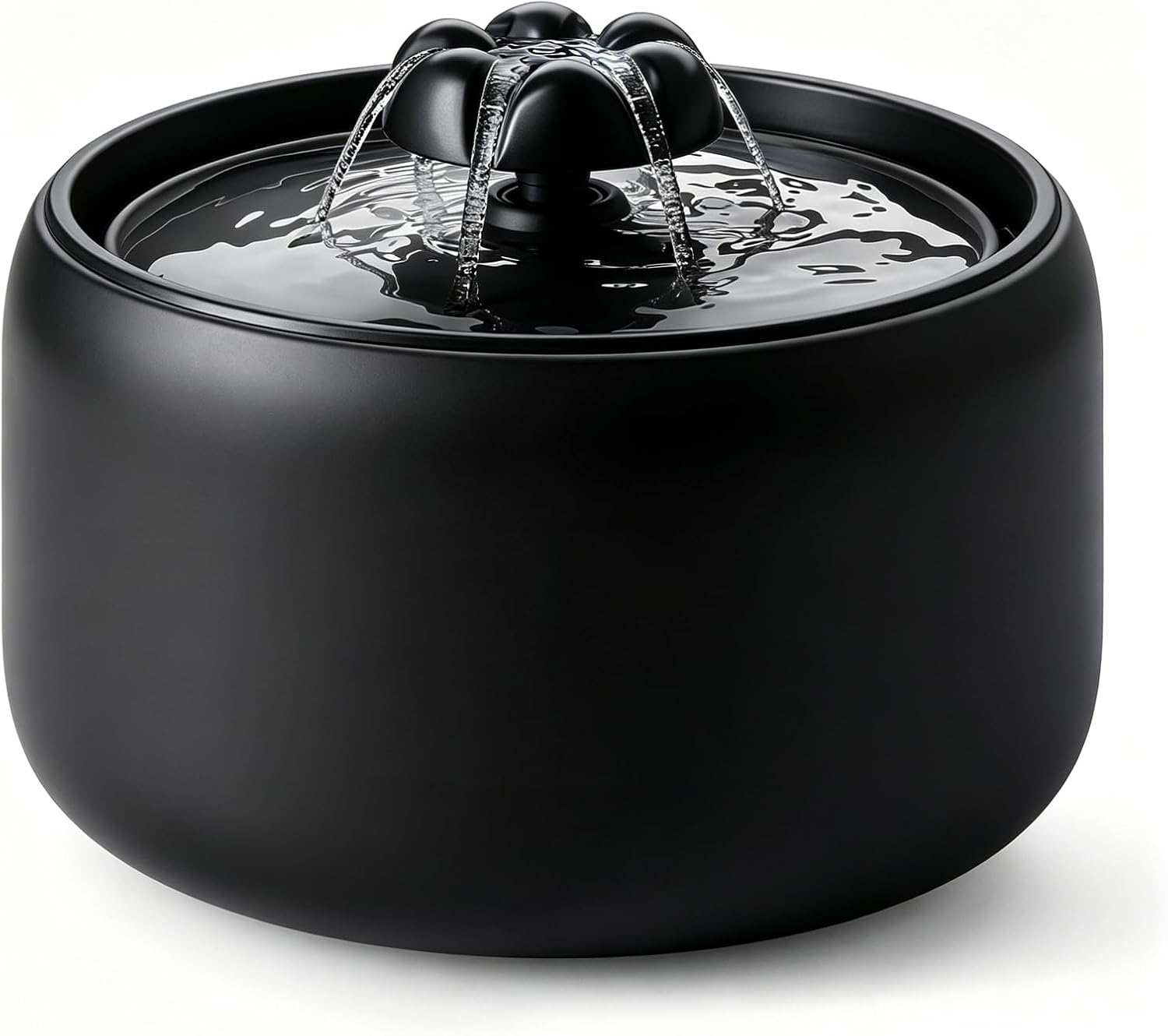
[Black] W03L 3L Premium Ceramic Cat Water Fountain
Model: W03L Black
$59.99
$69.99
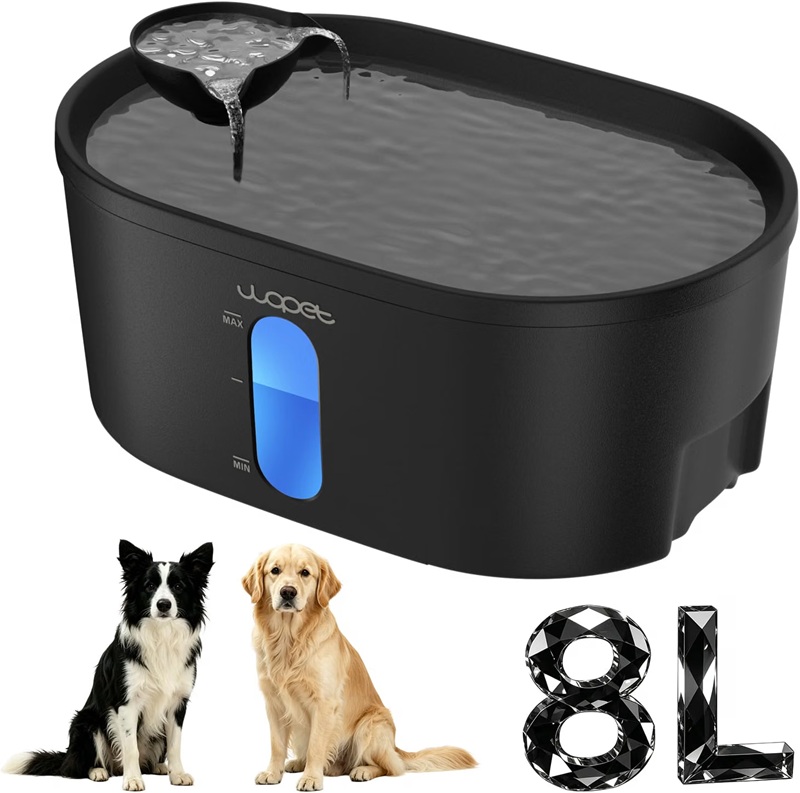
WOPET 8L Pet Water Fountain For Multiple Cats or Large Dogs A08
Model: A08
$49.99
$59.99
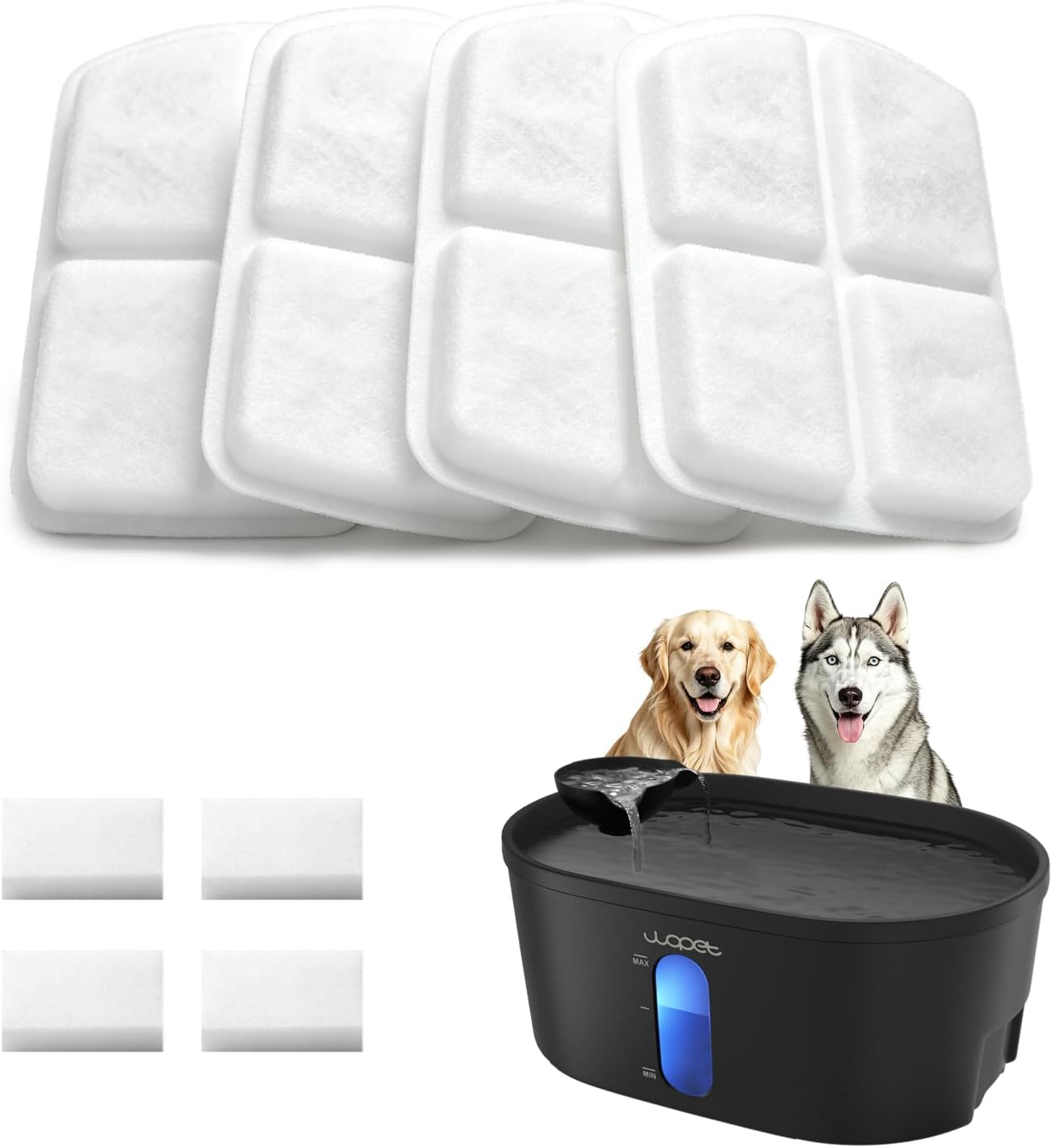
WOPET A08 Dog Water Fountain Filters
Model: A08 Filter
$19.99
$29.99

DOWNLOAD APP

WOpet life




Copyright © 2026 WOPET. All Rights Reserved.