Nov 27, 2026
Author:Amanda Lyu
The app says your dog’s lunch went out at noon. You get home, look down, and find an empty bowl. Before tapping Feed Now, check the time of the entry and ask whether anyone saw your dog eat. Some dogs finish a meal before you even open the app.
A ‘Fed’ entry and an empty bowl leave two questions open: Did kibble reach the bowl, and did your dog eat it? If nobody saw the meal, run one supervised test with an empty bowl. Watch whether food drops, then weigh what landed. That gives you something concrete to compare with the app entry.
Open the feeding history and check the time and portion count for the entry you’re looking at. If someone else was home, ask whether they saw food drop, watched your dog eat, or served a meal by hand. In a home with more than one pet, a housemate may have reached the bowl first.
If you have a camera view of the bowl at the time of feeding, look for two separate moments: kibble reaching the bowl and your dog approaching it. A clip that begins after the motor stops may miss the first part. Likewise, a live view of an empty bowl later in the day tells you only what’s there now.
| What you can confirm | What to do next |
|---|---|
| Kibble dropped and your dog ate it. | Keep the usual schedule. |
| Kibble dropped, but another pet reached it first. | Supervise the next meal or feed the pets in separate areas. |
| The feeder ran, but no kibble landed. | Check the hopper, outlet, and bowl position. Then run one supervised test. |
| A small amount landed. | Weigh it and compare it with what your feeder normally delivers at that setting. |
| All you have is a ‘Fed’ entry and an empty bowl. | Check with anyone who was home and observe the next feeding before sending an extra portion from the app. |
Use your dog’s usual dry kibble and keep your dog away from the bowl until you’ve checked the result. If the earlier meal is still unaccounted for, catch and set aside the test food while you troubleshoot.
If the bowl gets a small serving during the test, compare it with a previous measured serving using the same food and setting. If you’ve never weighed the output, use this guide to measuring one automatic feeder portion to establish a baseline.
Look in the hopper first. The bowl and feeding history can look the same whether the hopper is empty or a piece of kibble is lodged in the chute. Lift the lid and check how much food is actually left. Look under and around the bowl, too. A bowl that sits forward of the outlet can miss kibble that bounces off its rim.
Inspect the accessible food path. If there’s food in the hopper and none arrives in the bowl, disconnect power and follow your model’s instructions for inspecting the chute and removable dispensing parts. The WOPET Heritage View manual directs owners who see a blockage message to check the dispensing tunnel and turnplate. Use the WOPET manual directory if you have another model.
Think about what changed. If the problem started with a new bag, check the kibble size against your model’s specifications. If it started after cleaning, check that the bowl and removable parts are seated correctly and dry before refilling. For food storage and bowl hygiene, see the FDA’s guide to storing pet food and treats.
Make one change at a time, then repeat the same measured test. If food drops after you reseat the bowl, for example, you can see whether changing its position solved the problem. If the motor stays silent, check the power source and whether the next scheduled meal is enabled before taking anything else apart. If the app also shows the feeder offline, see what an automatic feeder can do without Wi‑Fi.
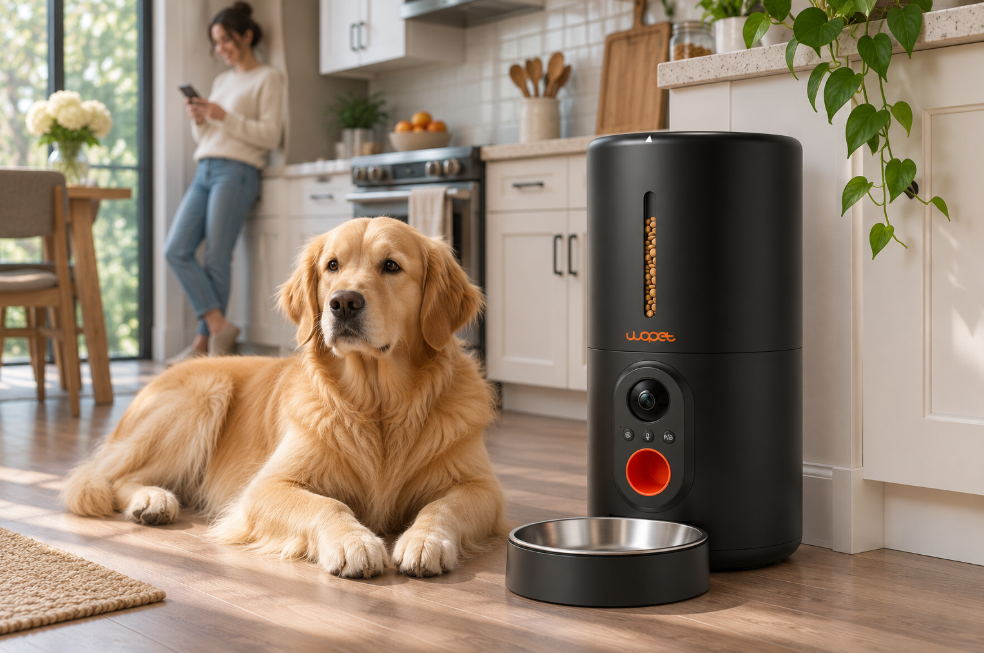
If lunch usually happens while you’re at work, the WOPET Heritage View HV10P gives you a camera view to check alongside the feeding record. It’s especially useful when you need to tell a missed dispense from a dog that finished quickly. Before relying on the view, watch a test meal from your phone and check whether you can see the bottom of the bowl, where the kibble lands, and how your dog approaches. If your dog’s shoulder fills the frame, watch the next meal in person to see what the camera missed. See the Heritage View in the WOPET automatic feeder lineup.
If you confirm that a meal failed to dispense, serve your dog’s usual measured meal by hand while you troubleshoot. Before relying on the feeder again, watch it complete a scheduled meal with its normal food and settings. If it keeps missing meals or dispensing short portions, contact the WOPET Support Center with the model number, meal time, portion setting, and grams collected. A screenshot of the entry and a short video showing the bowl and outlet during the test can help support see where the problem starts.
Treat it as a feeder event. To confirm that your dog ate, you need to see your dog at the bowl or have someone who watched the meal confirm it.
A successful manual test shows the feeder could dispense food at that moment. Watch the next scheduled meal and compare the saved time, repeat day, and portion setting with what the feeder actually does.
Check the time of the entry, any available footage, and whether another person has already fed your dog. If you still can’t tell what happened, ask someone nearby to check the feeder and bowl in person when possible. That gives you more information than sending another remote portion.
Popular Post
Top 8 Reasons Why Does My Cat Sleep Between My Legs?
Mar 03, 2025

What to Do If My Dog's Poop Is Black But Not Tarry
Feb 04, 2023
Superfecundation Cats: When Kittens in One Litter Have Different Fathers
Jul 11, 2025
Can Cats Have Orange Eyes? Genetics, Breeds, and Care Guide
May 20, 2025
How Long Does Dry Cat Food Last Once Opened? A Comprehensive Guide
Mar 19, 2025
[Blue] W03L 3L Premium Ceramic Cat Water Fountain
Model: W03 LITE
$59.99
$69.99
Basin Pet Water Fountain-W600
Model: W600
$43.99
$69.99
[Basic] Ceramic Pet Water Fountain with Power Cable
Model: W03L
$59.99
$99.00
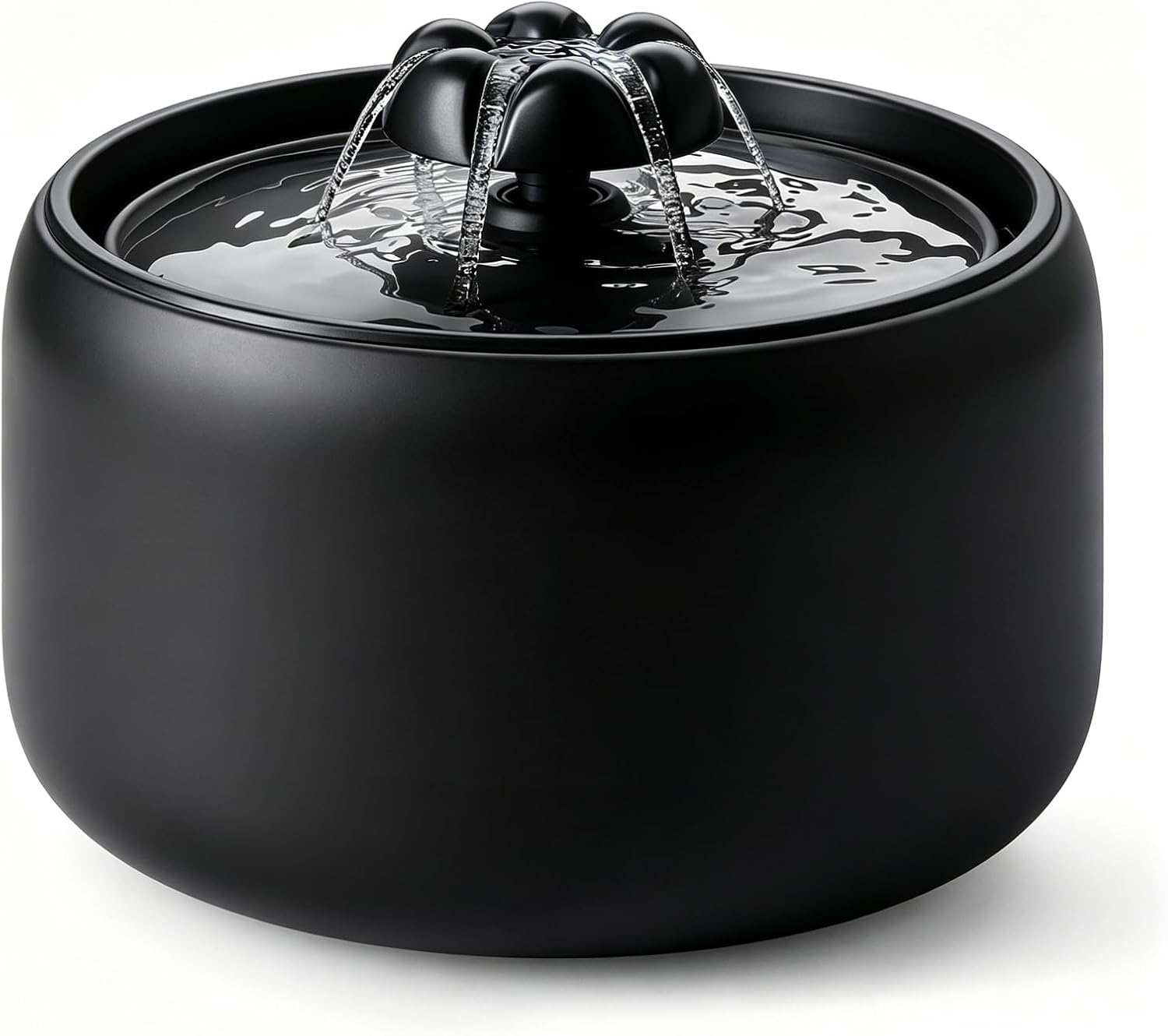
[Black] W03L 3L Premium Ceramic Cat Water Fountain
Model: W03L Black
$59.99
$69.99
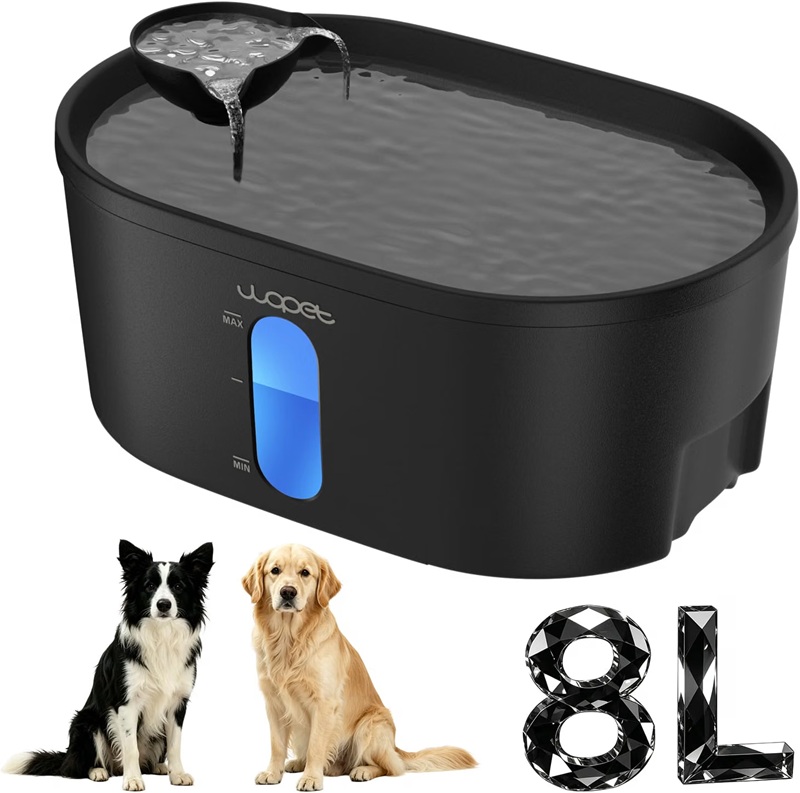
WOPET 8L Pet Water Fountain For Multiple Cats or Large Dogs A08
Model: A08
$49.99
$59.99
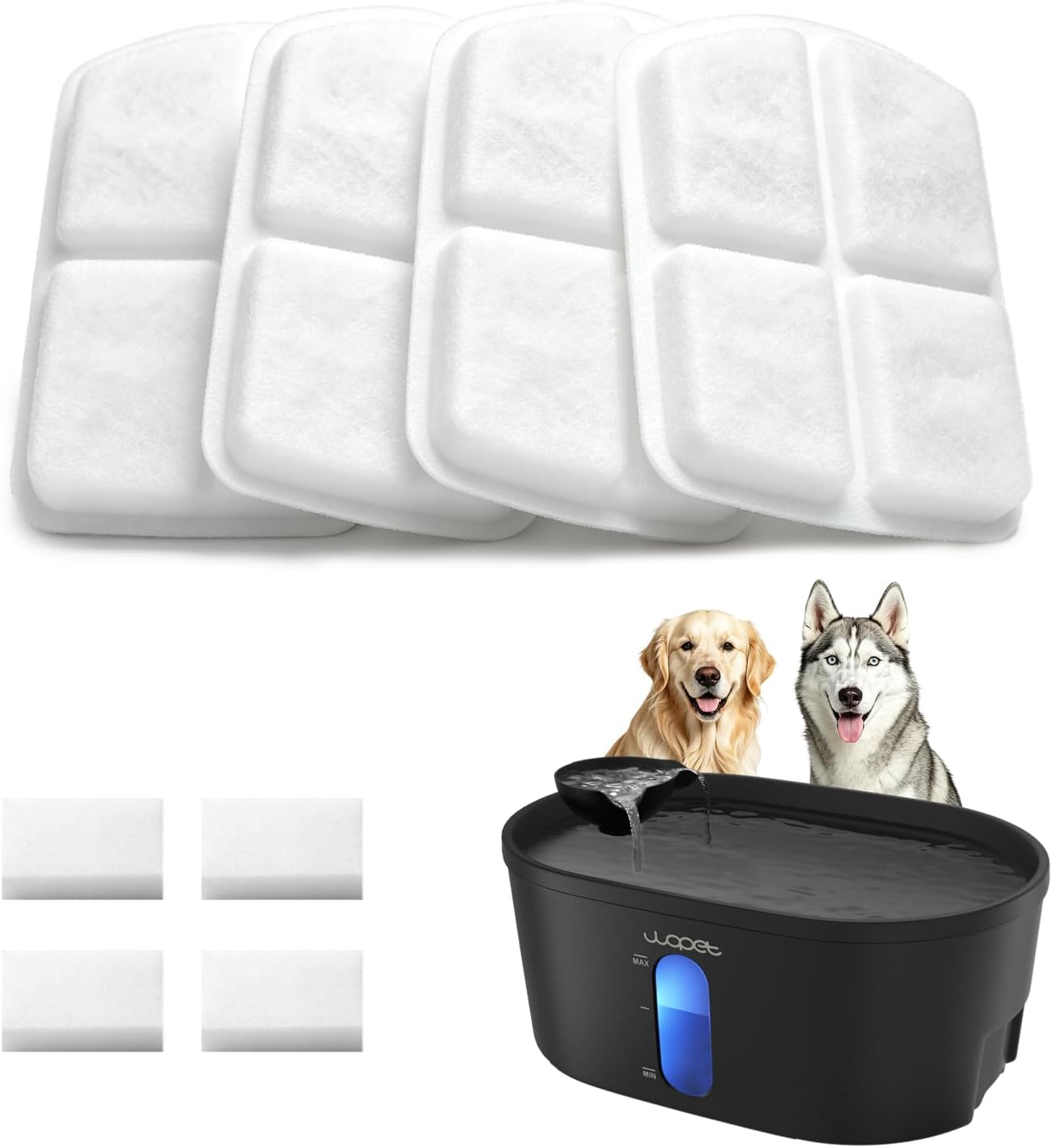
WOPET A08 Dog Water Fountain Filters
Model: A08 Filter
$19.99
$29.99

DOWNLOAD APP

WOpet life




Copyright © 2026 WOPET. All Rights Reserved.