Oct 29, 2026
Author:Lisa Martinez
Quick answer: First check whether the fountain is intentionally pausing in timer or motion-sensor mode. If it should be running, inspect water level, battery or power, connections, filter condition, pump cleanliness, and pump-to-outlet alignment—in that order. Turn the unit off before disassembly. Stop using it if you find damaged electrical parts, water in a dry-only area, unusual heat or odor, or repeated failure after correct cleaning and reassembly.
An intermittent fountain is not always broken. Wireless models often pause to conserve battery, and some units shut off when the water falls too low. Identify the expected mode before resetting the unit, opening the pump, or ordering parts.
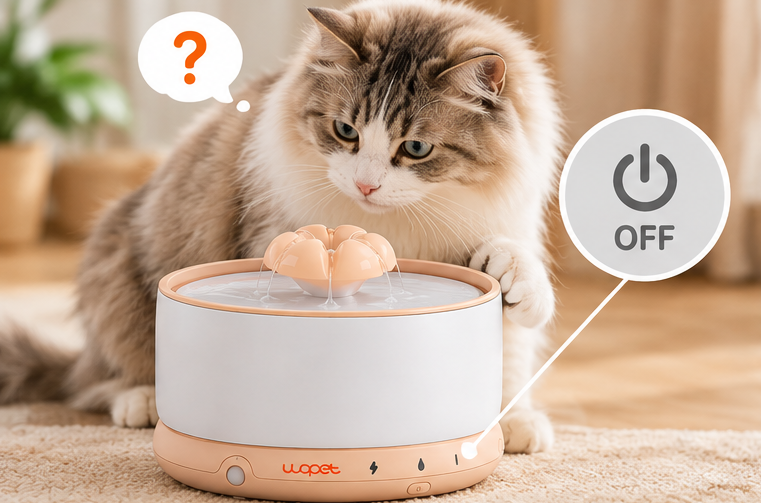
Buy WOPET W03 WIRELESS CAT WATER FOUNTAIN ON AMAZON
Start With This One-Minute Check
1. Read the selected mode. Timer and sensor modes are designed to stop between cycles.
2. Check the water line. Keep water above the model’s minimum and below its maximum.
3. Check power. Recharge the battery or verify the approved power connection.
4. Look at the indicators. Use the manual to interpret colors and flash patterns.
5. Watch one full cycle. Note when it stops, how long it stays off, and whether it restarts by itself.
That sequence separates normal cycling from a true interruption without immediately disassembling the fountain.
Troubleshooting by Symptom
|
What you observe |
Likely area to check first |
Safe next step |
|
Stops at predictable intervals |
Timer mode |
Compare behavior with the manual |
|
Starts when the cat approaches |
Sensor mode |
Test sensor range and placement |
|
Stops as water gets low |
Low-water protection |
Refill to the marked level and follow restart steps |
|
Runs after charging, then stops early |
Battery, mode, or frequent sensor activation |
Fully charge and test under one documented mode |
|
Hums but produces little water |
Intake, filter, air, or impeller |
Power off, clean, refill, and reassemble |
|
Starts and stops rapidly |
Connection, water level, blockage, or alignment |
Turn off and inspect each item in order |
|
Does nothing after cleaning |
Incorrect assembly or wet/loose connection |
Recheck the manual and let dry-only contacts dry |
1. The Fountain Is in Timer or Sensor Mode
Many rechargeable fountains do not pump continuously. In timer mode, flow starts and stops on a repeating schedule. In sensor mode, it activates when motion or proximity is detected.
Signs that the stop may be normal include:
• the pauses are consistent;
• the fountain restarts on schedule;
• approaching the sensor activates flow;
• no error indicator appears; and
• water remains accessible as the model intends.
Do not reset a fountain simply because it pauses. Confirm the mode first. For a fuller explanation of the tradeoff, see can a wireless cat fountain run all day.
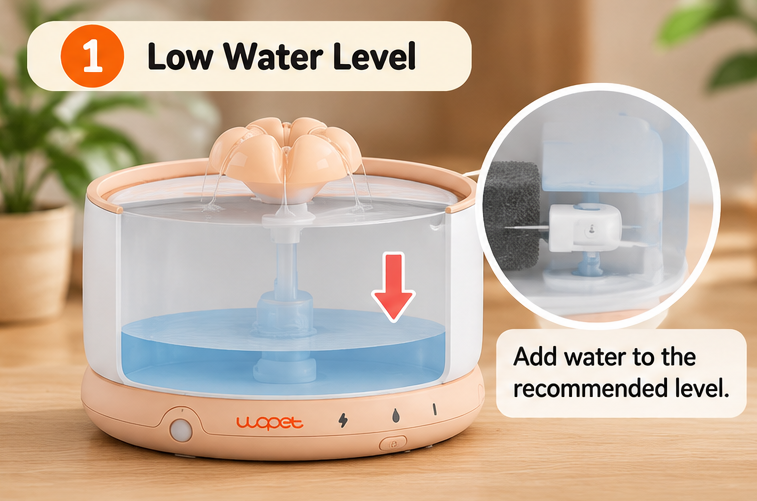
2. The Water Level Is Too Low
Low water can expose the intake, pull air into the pump, reduce flow, increase noise, or trigger a protective stop. Refill only to the marked range; overfilling can also interfere with correct operation or cause spills.
The WOPET W03 support page states that this model automatically stops without water. For repeated starting and stopping, WOPET advises checking that the water sits above the pump and below the maximum level. Do not assume another model uses the same indicator or restart behavior.
After refilling:
1. Make sure the pump is properly submerged as instructed.
2. Confirm that no air is trapped in the water path.
3. Follow the model’s restart procedure.
4. Watch the fountain for a full cycle before leaving it unattended.
3. The Battery Is Low or Not Fully Charged
A low battery can cause a wireless fountain to stop or behave inconsistently. Charge it with the specified cable and power requirements, keeping the charging area dry.
If runtime has become much shorter, consider:
• a change from timer to continuous mode;
• more frequent sensor activations;
• an incomplete charge;
• debris making the pump work harder;
• room-temperature extremes; or
• normal battery aging.
Do not assume the battery has failed until the pump and water path are clean and the fountain has been tested after a complete charge. Our guide to wireless cat fountain battery life explains why advertised runtime and household runtime differ.
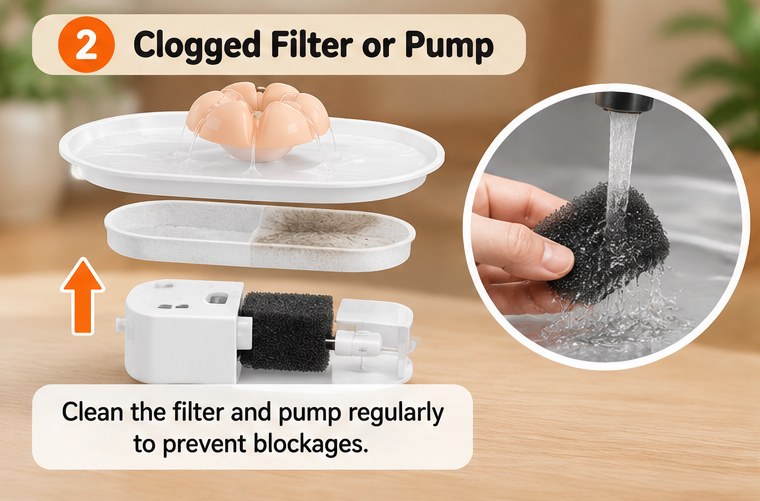
4. The Filter Is Clogged, Incorrect, or Misaligned
A heavily soiled filter can restrict water movement. An incompatible or incorrectly seated filter can also interrupt the intended flow path.
Turn the fountain off and check whether:
• the filter is the exact type specified for the model;
• protective packaging was removed;
• a new filter was rinsed or soaked as directed;
• the filter sits in the correct orientation;
• hair or debris covers its surface; and
• the replacement interval has passed.
For the WOPET W03 and W03 Lite, WOPET’s current replacement-filter page identifies compatible filters and instructs owners to rinse before use. Compatibility matters more than visual similarity.
5. Hair or Mineral Deposits Are Blocking the Pump
The visible reservoir may look clean while the pump intake or impeller chamber is restricted. Common material includes pet hair, food crumbs, filter fibers, slime, and mineral scale.
Use the model’s instructions to remove the pump, open only the approved covers, and clean the impeller area. Never pull, pry, or submerge components the manual identifies as electrical or dry-only.
If cleaning restores steady flow, the pump probably was restricted rather than permanently failed. If it remains unreliable, review how long a cat water fountain pump lasts for replacement signs.
6. The Pump Outlet or Fountain Entry Is Misaligned
After cleaning, a pump can be seated slightly out of position. Water may not enter the intended channel, or a connector may not meet securely.
WOPET’s W03 troubleshooting guidance specifically recommends checking the alignment between the pump’s water output and the fountain entry. Reassemble the unit on a level surface and confirm that every part sits flush. Do not force components that do not align.
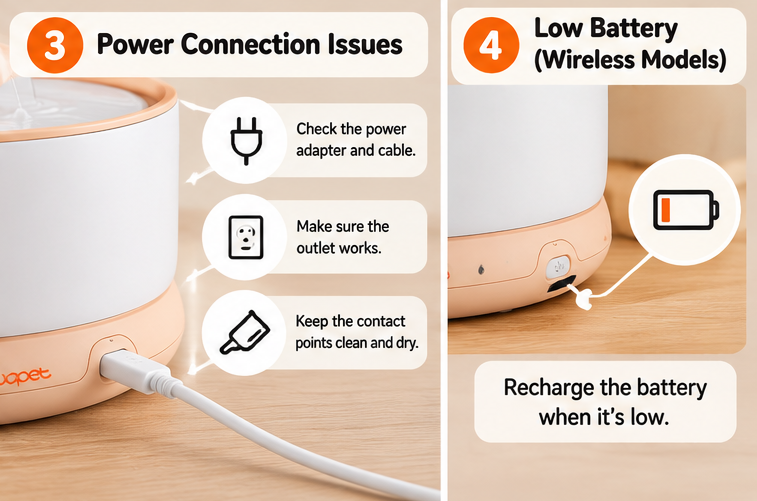
7. A Connection Is Loose or Wet
Depending on the model, the pump may connect through a cable, contact point, charging base, or removable battery assembly. A loose connection can create intermittent operation.
Switch off and disconnect the fountain before inspection. Check for:
• a partially seated connector;
• water or residue on contacts that should remain dry;
• bent, corroded, or discolored contacts;
• a damaged cable; or
• a base that does not sit level.
Allow approved dry-only areas to dry completely before reconnection. If a contact or cable is damaged, stop using the fountain and contact the manufacturer.
8. The Fountain Was Reassembled Incorrectly
Misplaced seals, reversed filters, pinched tubing, an unsecured lid, or a pump cover installed at the wrong angle can all change flow.
Do not rely on memory after a deep cleaning. Follow the illustrated manual in order. Then fill the fountain, start it while present, and check for leaks before normal use.
9. The Pump or Battery May Need Service
If the fountain still stops after a complete charge, correct water level, clean pump, clean compatible filter, dry connections, correct alignment, and proper reassembly, a component may be worn or damaged.
Use the model-specific support channel. Provide:
• product model and purchase date;
• selected operating mode;
• indicator behavior;
• a short video showing the stop-and-start pattern;
• cleaning and charging steps already completed; and
• any visible damage.
That information is more useful than saying only that the fountain “doesn’t work.”
A Safe Restart Test
After maintenance, test the fountain systematically:
1. Place it on a dry, level surface.
2. Install the correct clean filter.
3. Seat the pump and align the outlet.
4. Fill within the marked range.
5. Dry the exterior and all dry-only contacts.
6. Select one documented operating mode.
7. Start the fountain and watch two complete cycles.
8. Check for stable flow, normal sound, leaks, and indicator changes.
Change only one variable at a time. If you switch the mode, filter, placement, and power source together, you cannot tell which change solved—or created—the problem.
When to Stop Troubleshooting
Stop using the fountain and contact support if you notice:
• exposed wire or damaged insulation;
• a cracked pump or battery housing;
• water inside a component meant to stay dry;
• burning smell, smoke, unusual heat, or discoloration;
• repeated tripping of a household electrical protection device;
• leaking that reaches the charging or power area; or
• a pump that continues to fail after model-specific troubleshooting.
Do not bypass a low-water cutoff, modify the wiring, or install an unverified pump. Keep fresh water available in a separate bowl while the fountain is out of service.
Preventing Repeat Shutoffs
• Check water level every day.
• Replace water rather than topping it up indefinitely.
• Clean the pump before flow becomes severely restricted.
• Use the correct model-specific filter.
• Keep electrical contacts dry.
• Test the fountain after every reassembly.
• Recharge before the shortest runtime you have actually observed.
• Keep a backup water source in another accessible location.
Cat Friendly Homes recommends fresh water each day, regular washing, and multiple accessible water locations. A fountain is one water option, not a reason to remove all redundancy. See its guidance for increasing a cat’s water intake.
Owners of other models should use the support page and manual written for their exact fountain rather than applying W03 indicator meanings or restart steps broadly.
Frequently Asked Questions
Why does my cat fountain turn off after a few seconds?
It may be in a sensor or timed mode, have too little water, or have a restricted or misaligned pump. Compare the exact timing with the manual before disassembling it.
Why does the pump start and stop continuously?
Check water level, secure pump and fountain connections, filter condition, pump cleanliness, and outlet alignment. The WOPET W03 support guidance recommends these checks for repeated starting and stopping.
Will a cat fountain automatically shut off when empty?
Some models do, but not all. The WOPET W03 lists automatic stopping without water. Never assume a different model has the same protection; check its manual.
Why did my fountain stop after I cleaned it?
A part may be reversed, the pump outlet may be misaligned, a connector may be wet or loose, the impeller cover may not be seated, or air may be trapped. Reassemble from the manual and test while present.
When should I replace the pump?
Replace it when approved cleaning and correct assembly no longer restore reliable flow, or immediately if the pump, cable, housing, or connector is damaged. Use the exact compatible part.
Work From the Simplest Cause to the Safest Solution
When a cat water fountain keeps turning off, start with mode, water, and power. Then check the filter, pump, alignment, connections, and assembly. Do not bypass a safety feature or continue using damaged electrical equipment around water. Testing one variable at a time is the clearest route to finding the cause and restoring dependable flow.
Label:
Popular Post
The Ultimate Guide to Tabby Cats: Patterns, Personalities, and More
Mar 27, 2025

Top 8 Reasons Why Does My Cat Sleep Between My Legs?
Mar 03, 2025

What to Do If My Dog's Poop Is Black But Not Tarry
Feb 04, 2023

Superfecundation Cats: When Kittens in One Litter Have Different Fathers
Jul 11, 2025

How Long Does Dry Cat Food Last Once Opened? A Comprehensive Guide
Mar 19, 2025
[Blue] W03L 3L Premium Ceramic Cat Water Fountain
Model: W03 LITE
$59.99
$69.99
Basin Pet Water Fountain-W600
Model: W600
$43.99
$69.99
[Basic] Ceramic Pet Water Fountain with Power Cable
Model: W03L
$59.99
$99.00
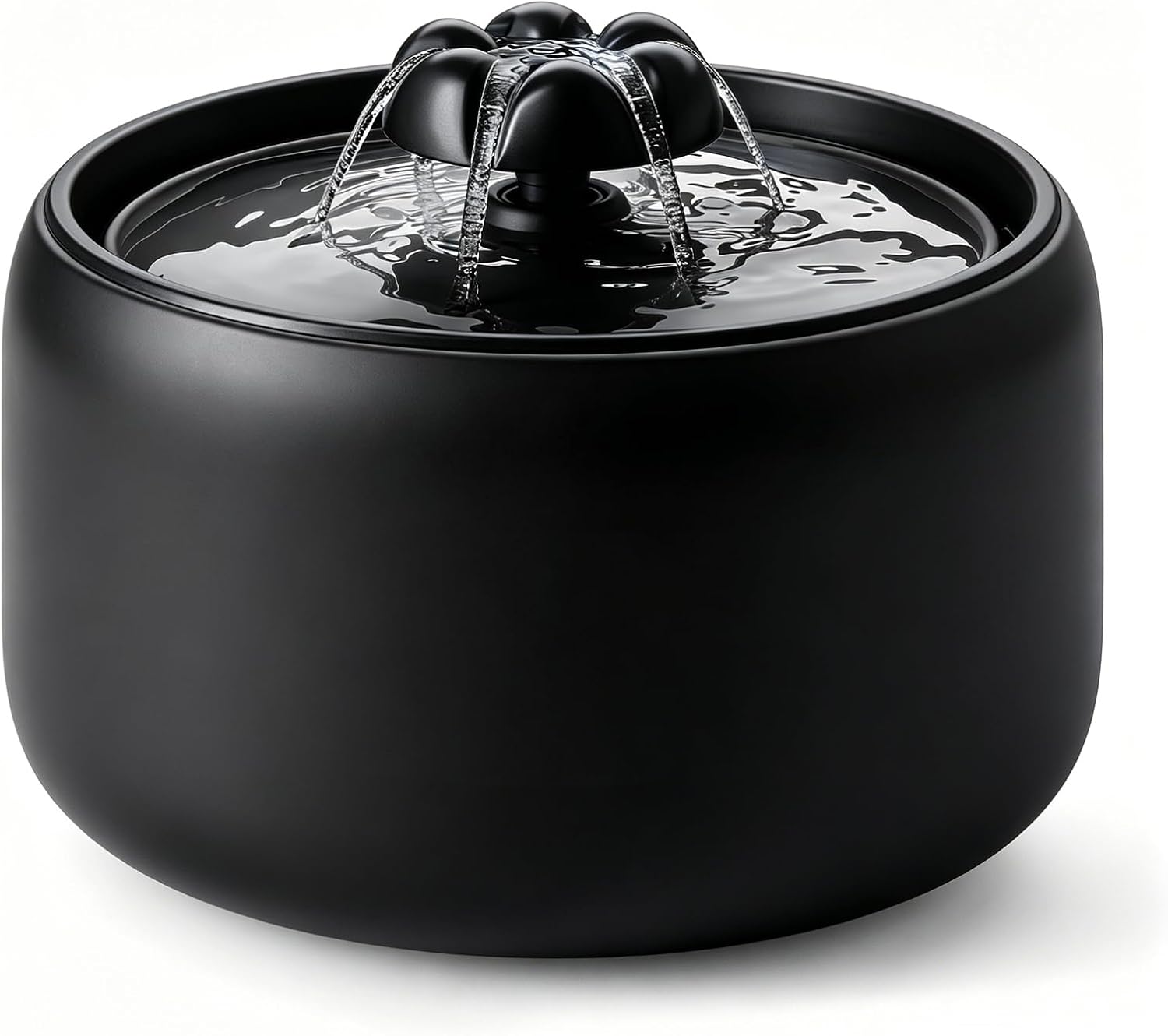
[Black] W03L 3L Premium Ceramic Cat Water Fountain
Model: W03L Black
$59.99
$69.99
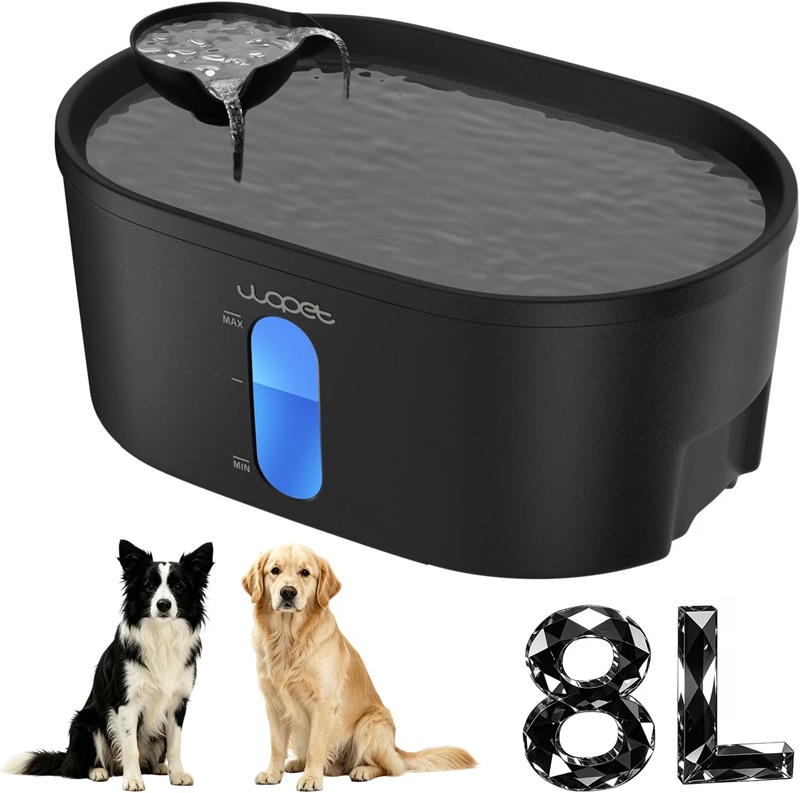
WOPET 8L Pet Water Fountain For Multiple Cats or Large Dogs A08
Model: A08
$49.99
$59.99
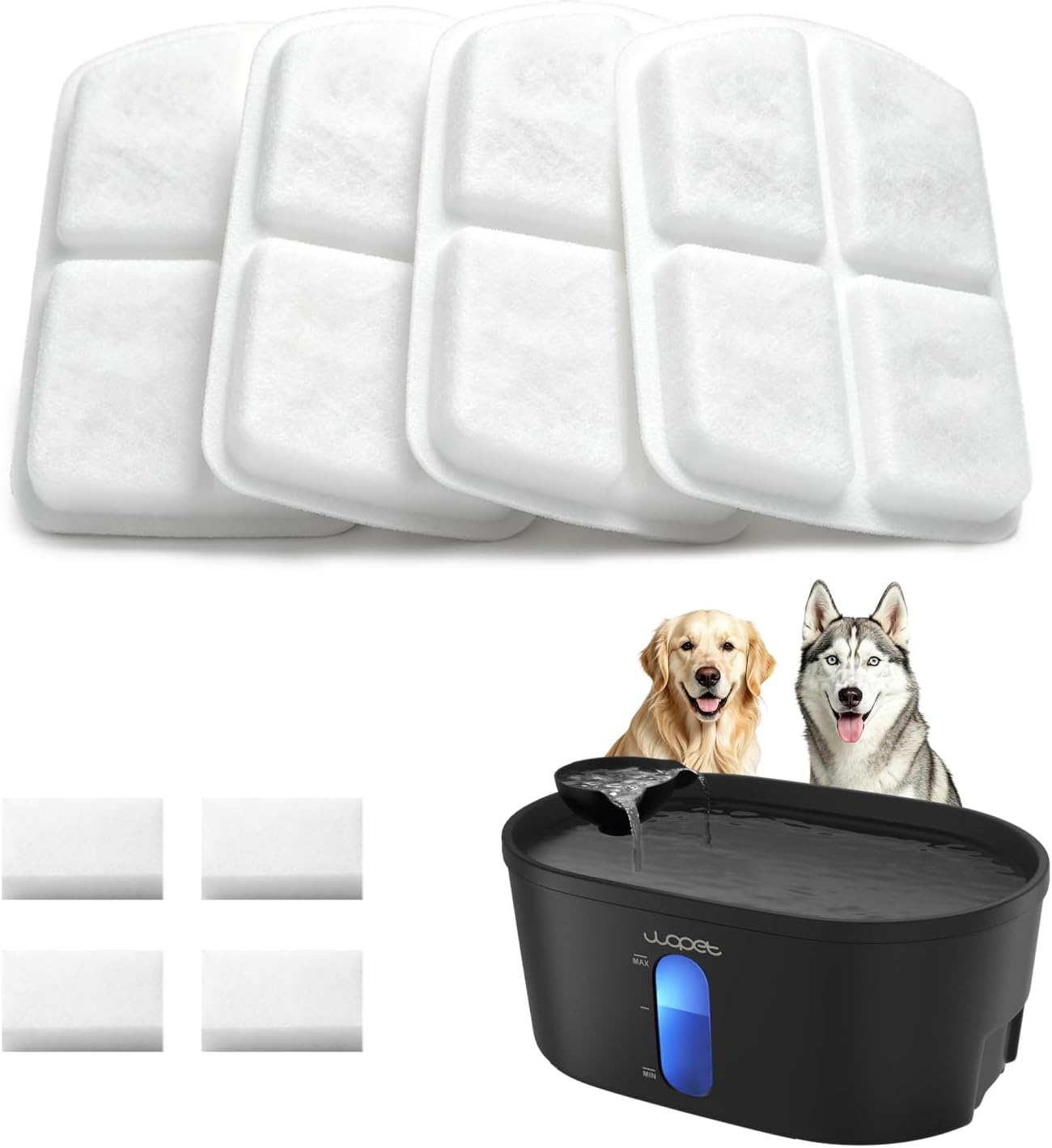
WOPET A08 Dog Water Fountain Filters
Model: A08 Filter
$19.99
$29.99

DOWNLOAD APP

WOpet life




Copyright © 2026 WOPET. All Rights Reserved.