Nov 18, 2026
Author:Sam Wonder
You open the feeder app at dinner and see a close-up of your dog’s shoulder. A minute later, your dog walks away. Was the bowl empty? Did the food dispense in the first place?
For a view that answers those questions, set up the camera around three moments. You want to see where the food lands, how your dog approaches, and what’s left when your dog steps away. Try the setup during a regular meal while you’re home so you can compare the live view with what happens on the floor.
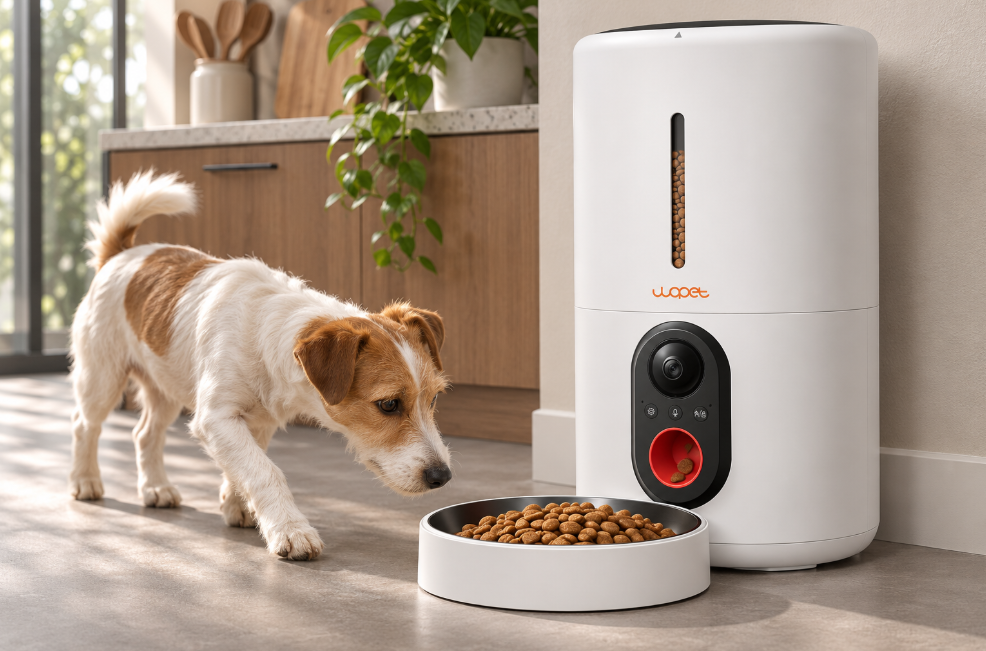
Start with the feeder on a firm, level floor near an outlet. Leave enough space beside the bowl for your dog to stand and turn without squeezing between the feeder and a wall. A narrow corner can send your dog straight toward the lens, which puts their head and shoulders in front of the bowl. A more open spot gives them another way in.
Open the live feed with the empty bowl seated in its normal position. Look for the rim and the part of the bowl where kibble usually lands. If your feeder has a built-in camera, small changes to the feeder’s location can improve the light and the way your dog approaches. The camera and bowl move together, so turning the whole unit won’t change the lens’s angle relative to the bowl.
The WOPET Heritage View HV10P puts its camera on the front of the feeder above the feeding area. Start with the regular bowl in place when you check the live view. If you use the HV10DP dual-bowl model, check both sides during the same meal. One dog may stand where their shoulder hides the other bowl.
Use your dog’s regular portion and schedule. Keep the app open and compare what you see on your phone with what happens in the room.
| Moment | What to look for |
|---|---|
| Before food drops | Can you see the part of the bowl where food usually lands? |
| As your dog approaches | Can you tell when your dog reaches the bowl? |
| After your dog steps away | Can you distinguish leftover kibble from an empty bowl? |
If your dog stands over the bowl while eating, the view just after they walk away may tell you the most. In a two-dog household, an empty bowl can still leave a question about who ate from it. If you need to track each dog’s meal, use separate feeding areas or have someone watch them eat.
A bowl that’s easy to see at noon can be hard to read at breakfast or dinner. If a window sits directly in the camera’s view, the bright background can leave the bowl in shadow. Try a location where daylight comes from the side. After dark, check again with the lights you normally leave on. If night vision produces a bright patch near the edge of the picture, check for a nearby surface reflecting light into the lens. Google’s camera placement guide
Once the picture looks good, turn off Wi-Fi on your phone and try opening the live view over cellular data. This gives you a chance to see whether the view loads when your phone is off your home network. If it loads consistently near the router but stalls where you want the feeder, try another spot and repeat the check. WOPET Heritage View setup and troubleshooting
When you’ve found a spot that works, take a quick photo of the setup. If someone moves the feeder to mop or refill it, they’ll know where to put it back.
Popular Post
The Ultimate Guide to Tabby Cats: Patterns, Personalities, and More
Mar 27, 2025
Top 8 Reasons Why Does My Cat Sleep Between My Legs?
Mar 03, 2025

What to Do If My Dog's Poop Is Black But Not Tarry
Feb 04, 2023
Superfecundation Cats: When Kittens in One Litter Have Different Fathers
Jul 11, 2025

Can Cats Have Orange Eyes? Genetics, Breeds, and Care Guide
May 20, 2025
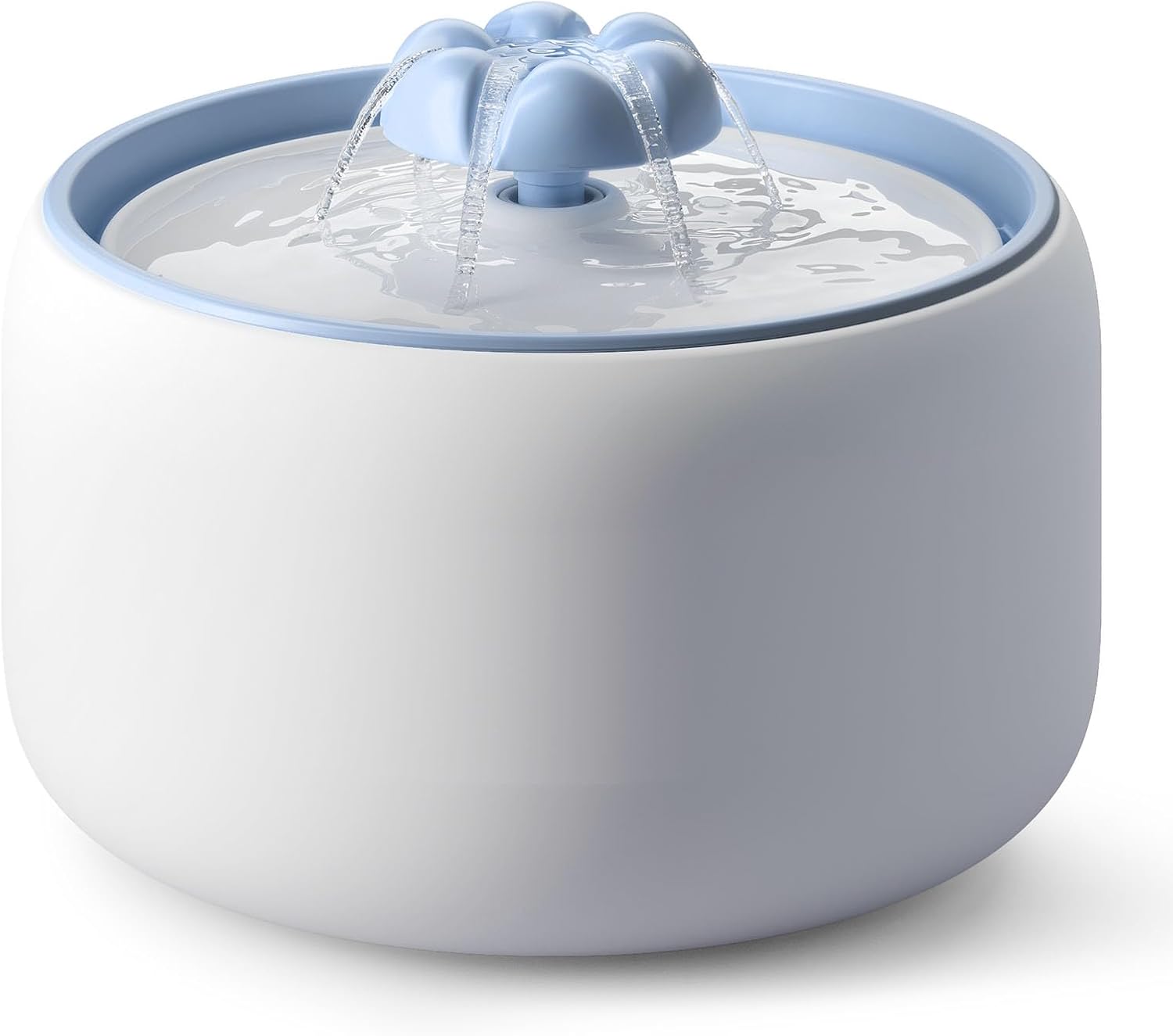
[Blue] W03L 3L Premium Ceramic Cat Water Fountain
Model: W03 LITE
$59.99
$69.99
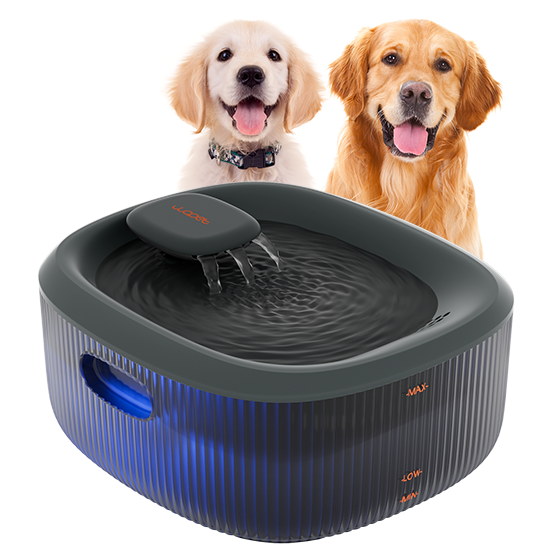
Basin Pet Water Fountain-W600
Model: W600
$43.99
$69.99
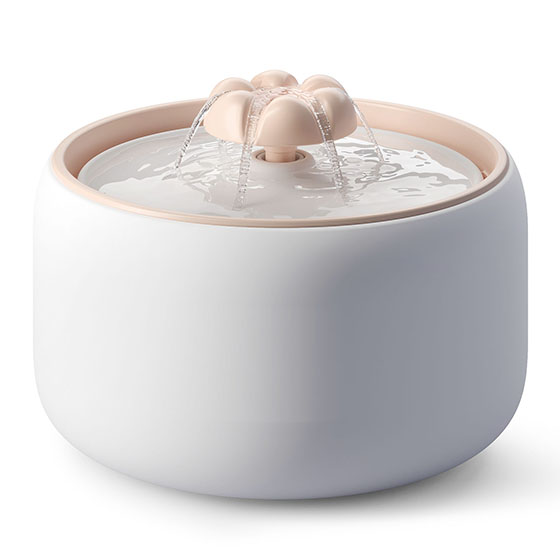
[Basic] Ceramic Pet Water Fountain with Power Cable
Model: W03L
$59.99
$99.00
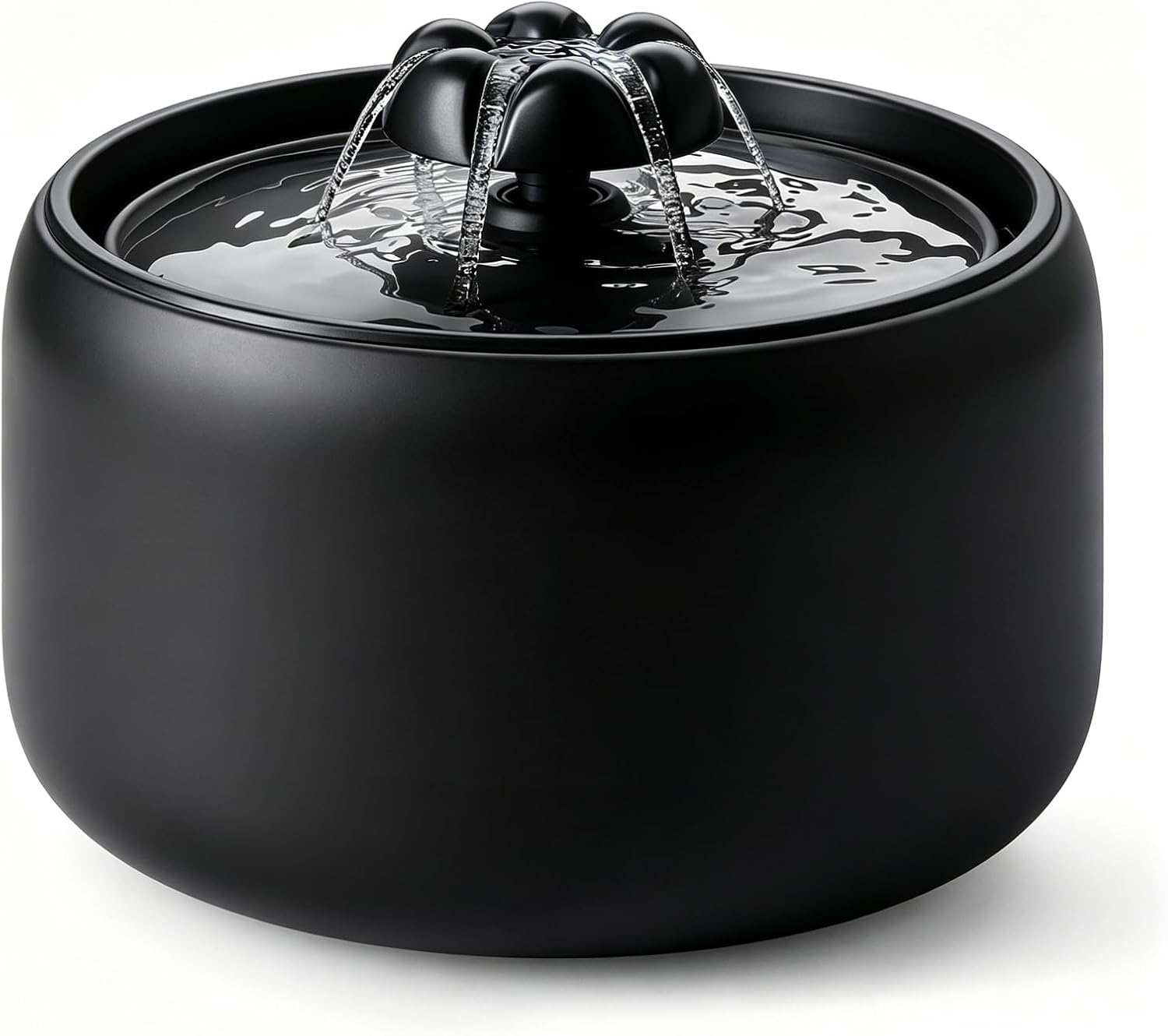
[Black] W03L 3L Premium Ceramic Cat Water Fountain
Model: W03L Black
$59.99
$69.99
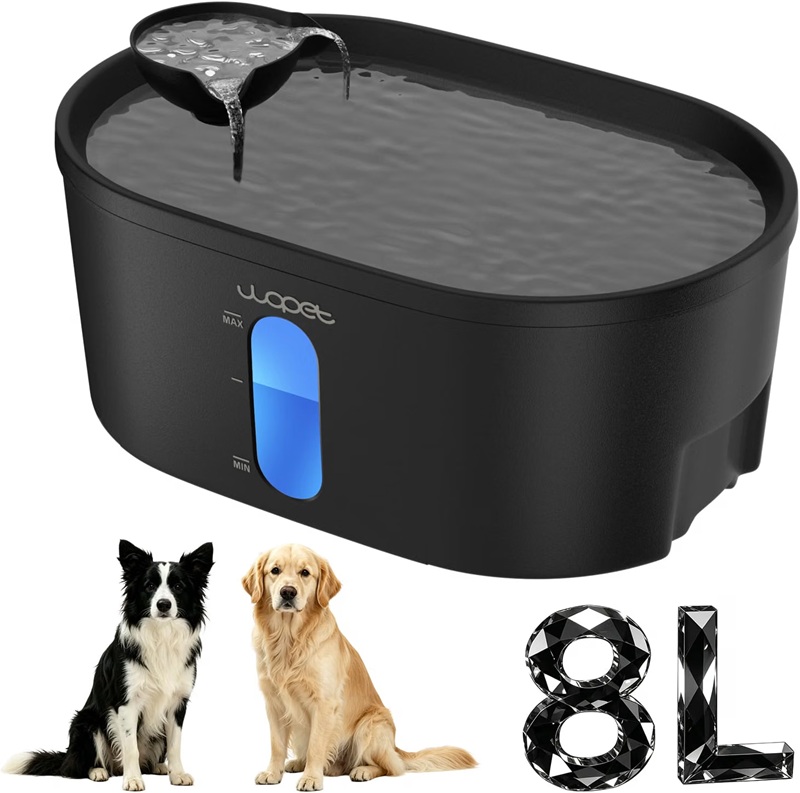
WOPET 8L Pet Water Fountain For Multiple Cats or Large Dogs A08
Model: A08
$49.99
$59.99
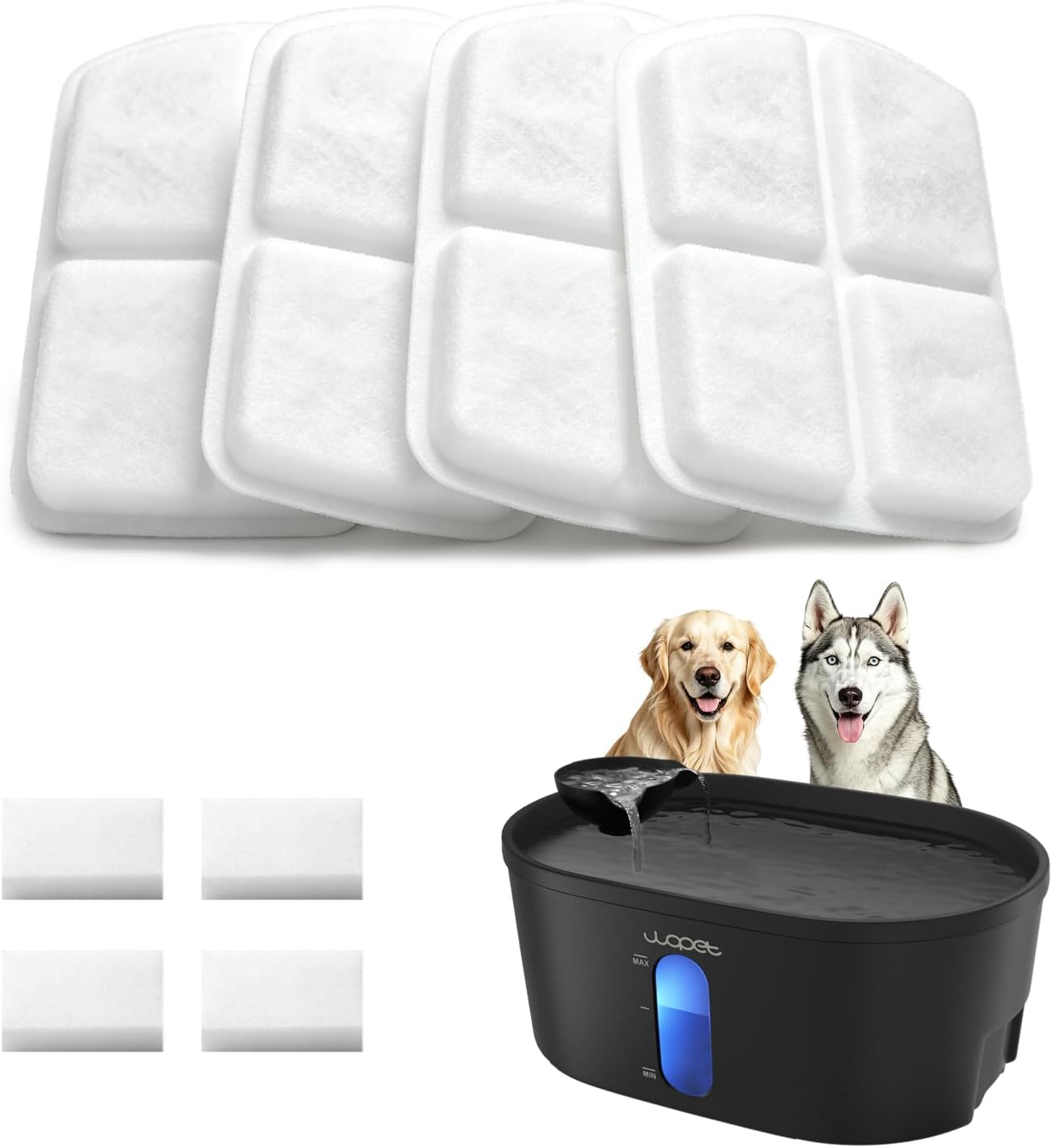
WOPET A08 Dog Water Fountain Filters
Model: A08 Filter
$19.99
$29.99

DOWNLOAD APP

WOpet life




Copyright © 2026 WOPET. All Rights Reserved.